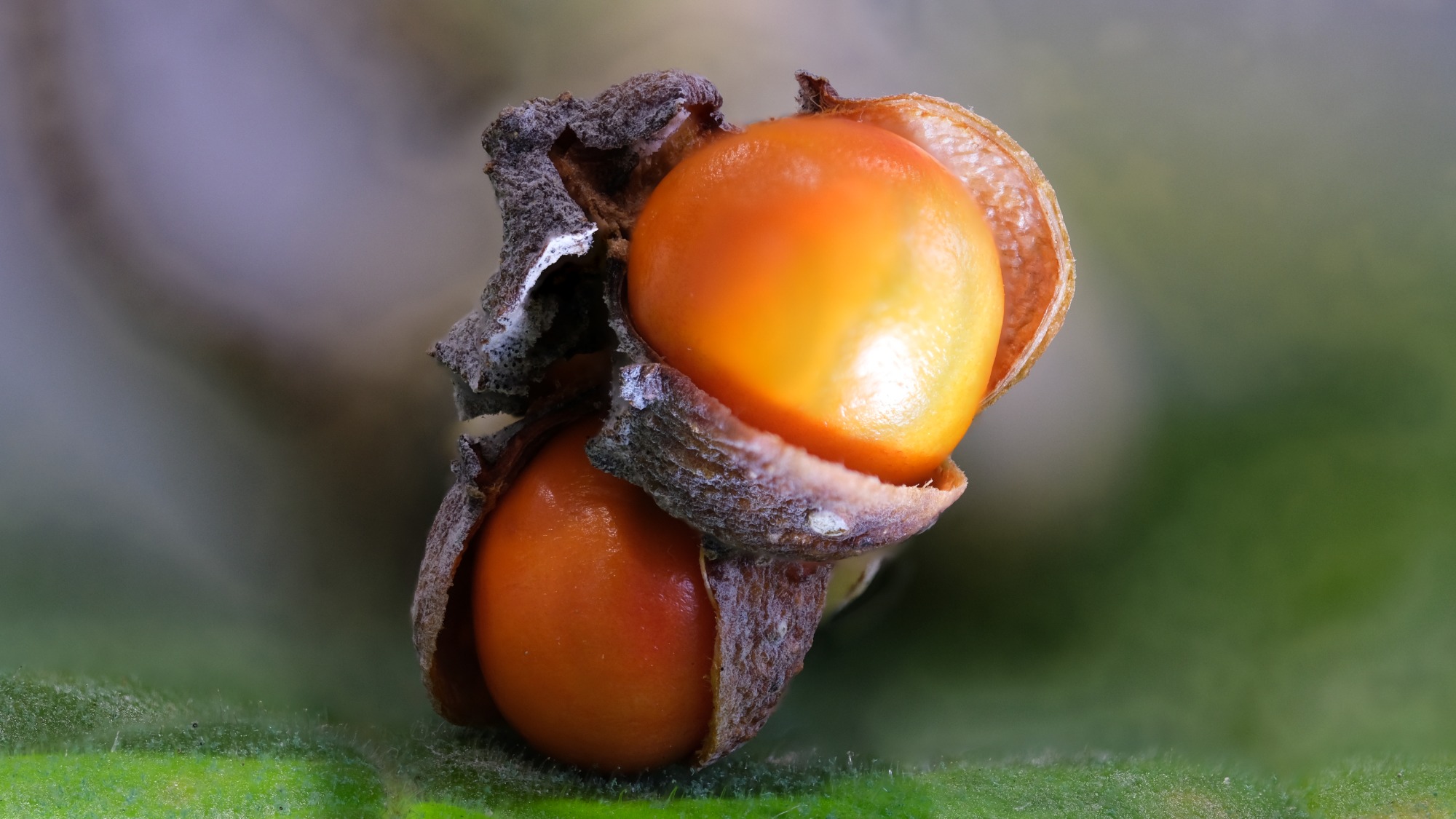
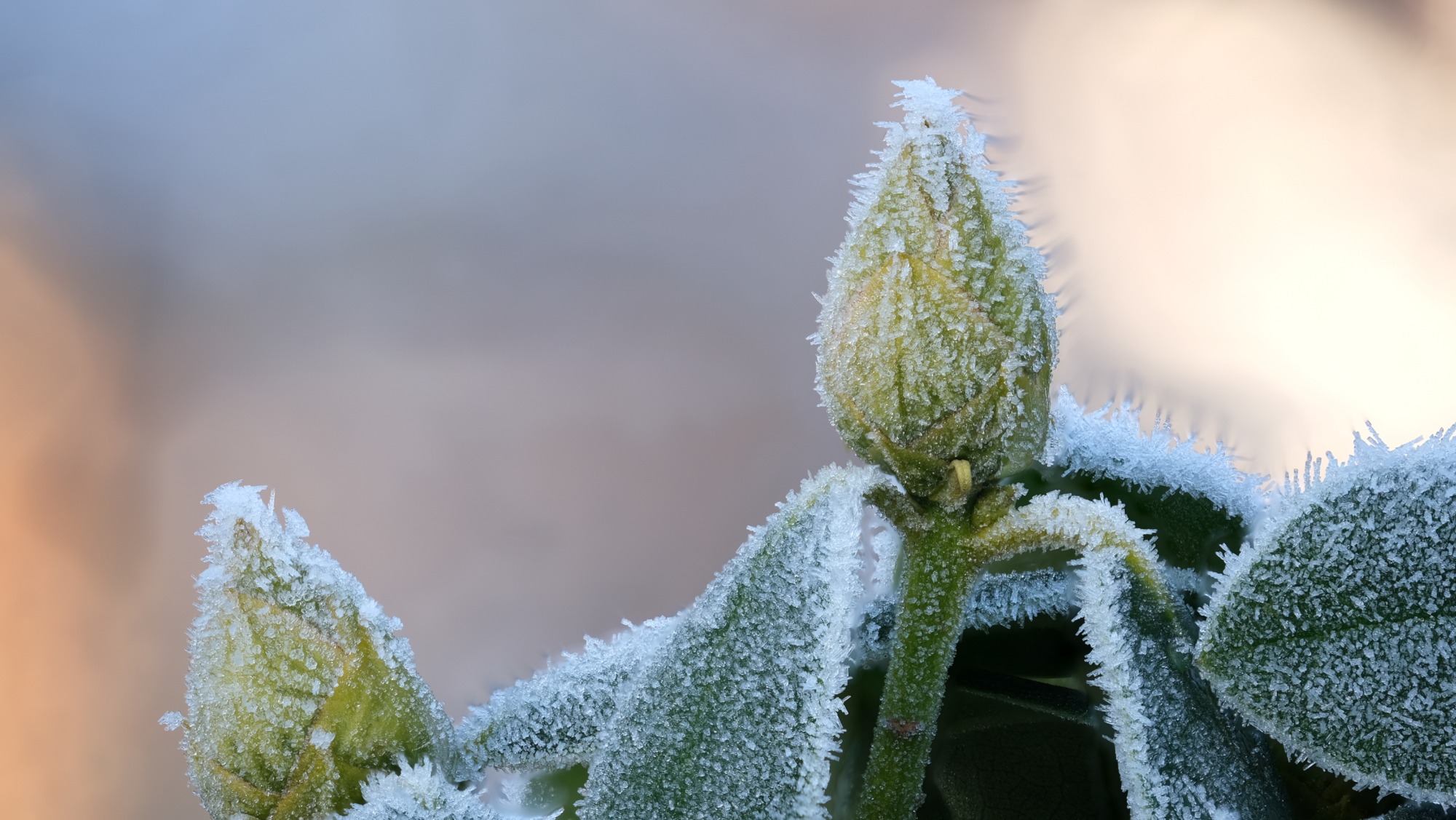
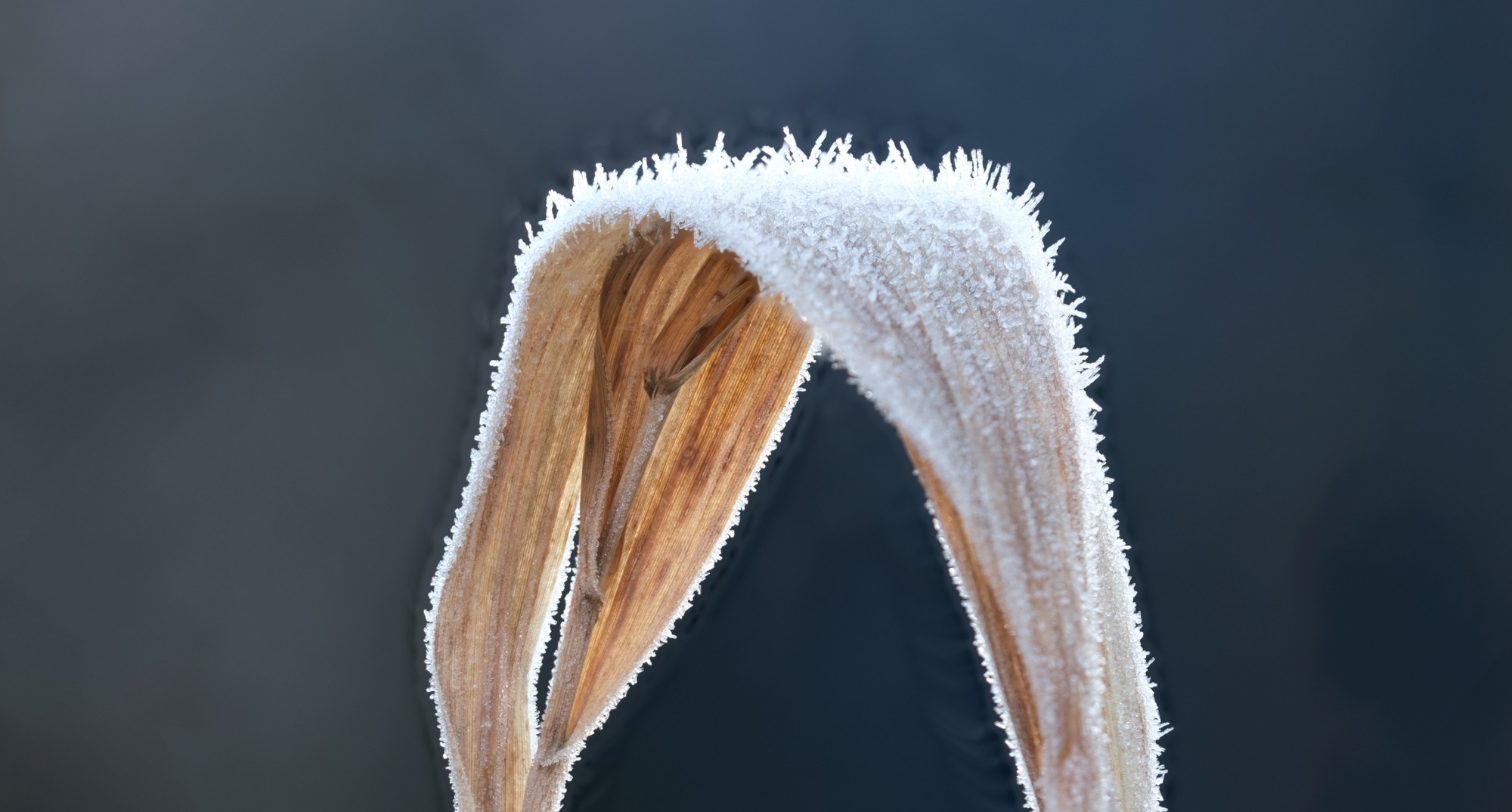
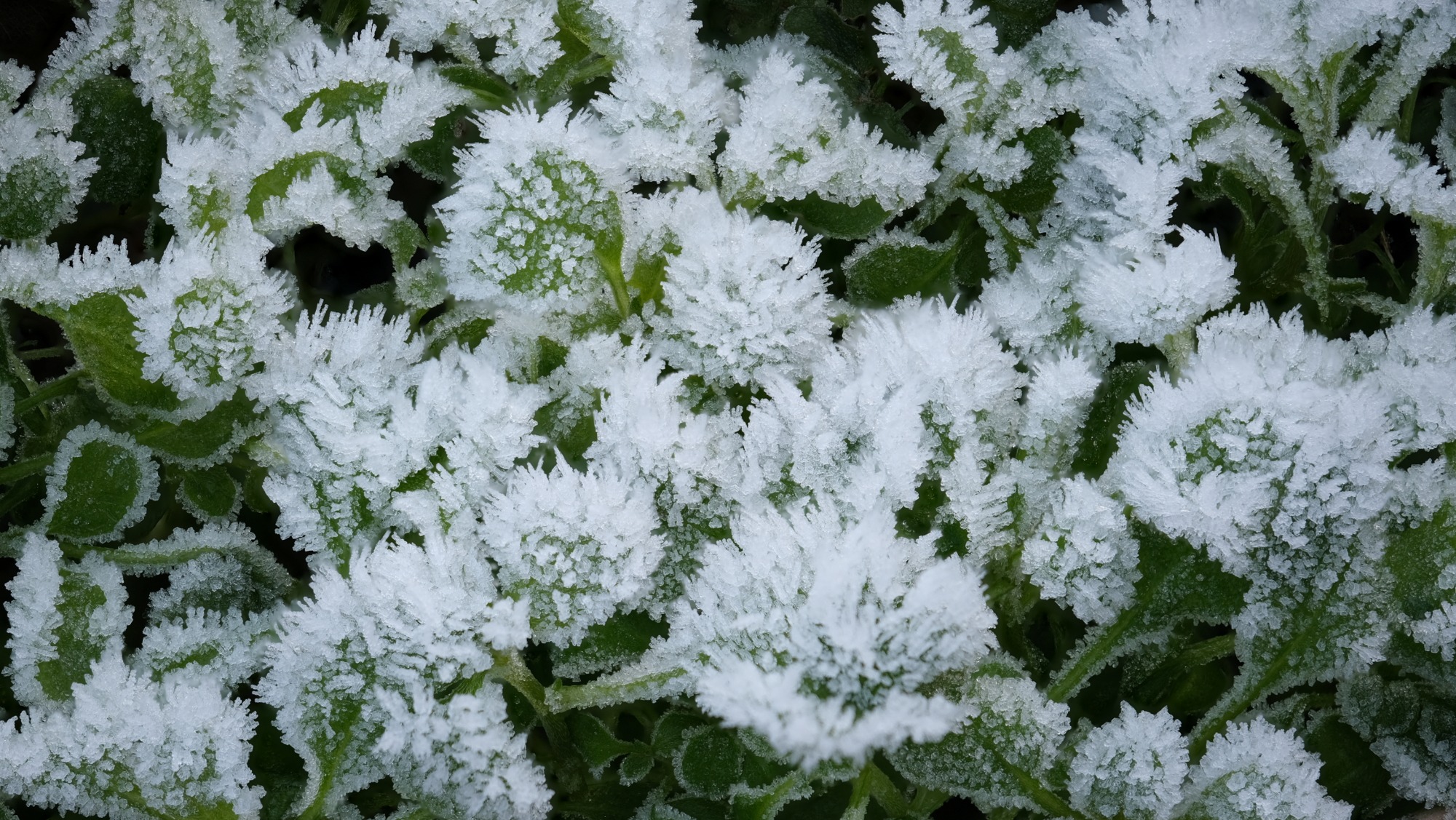
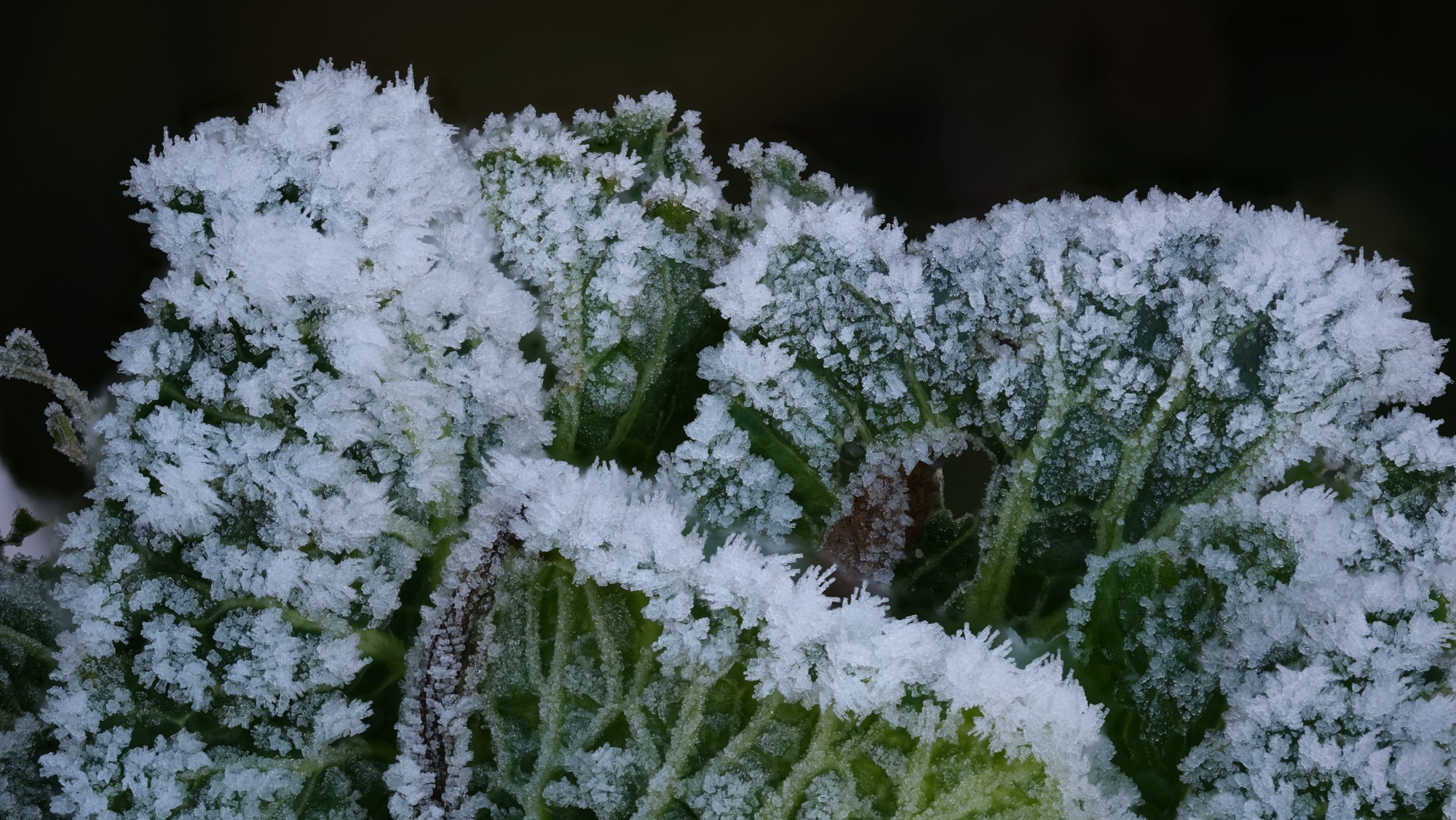
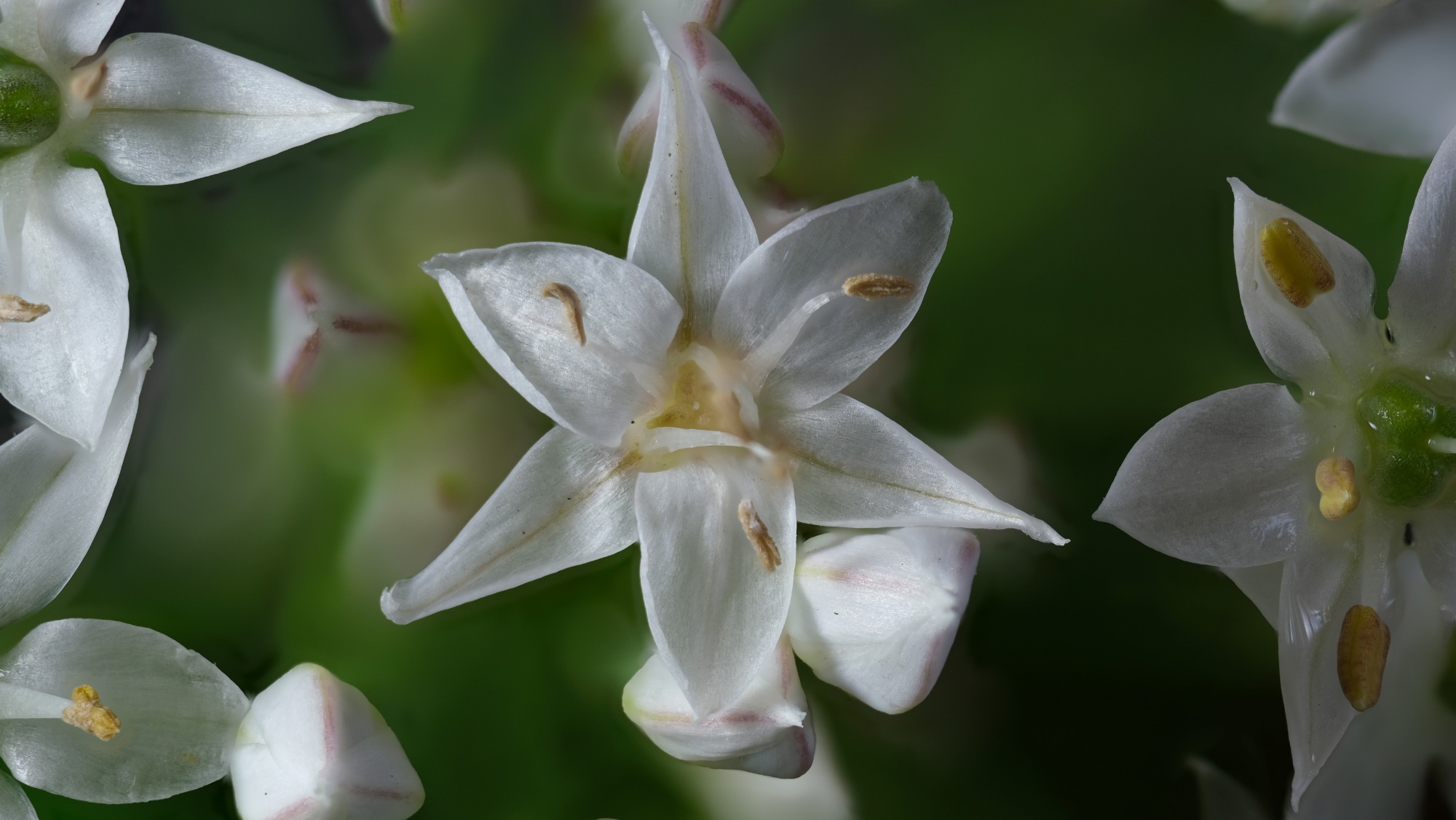
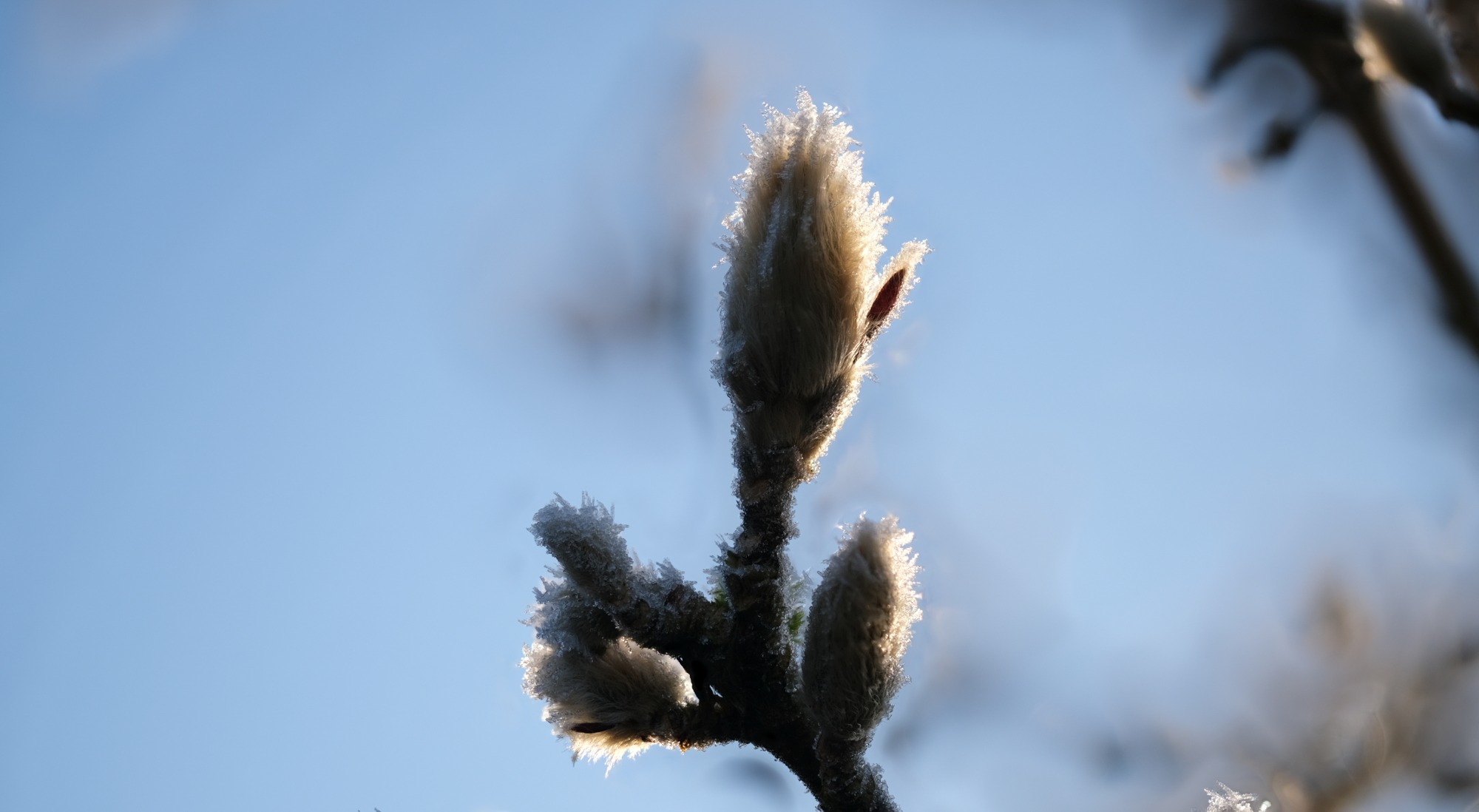
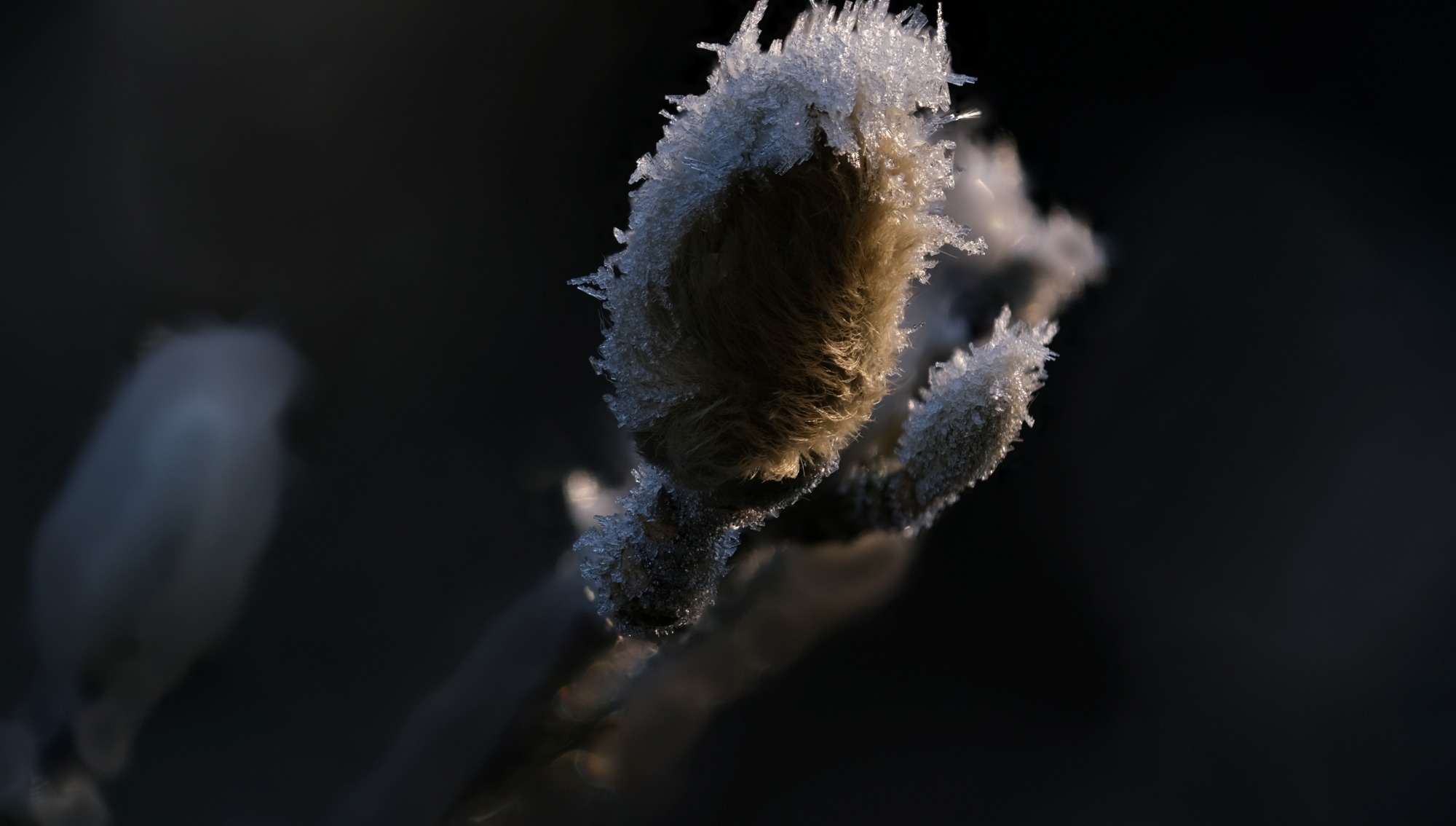
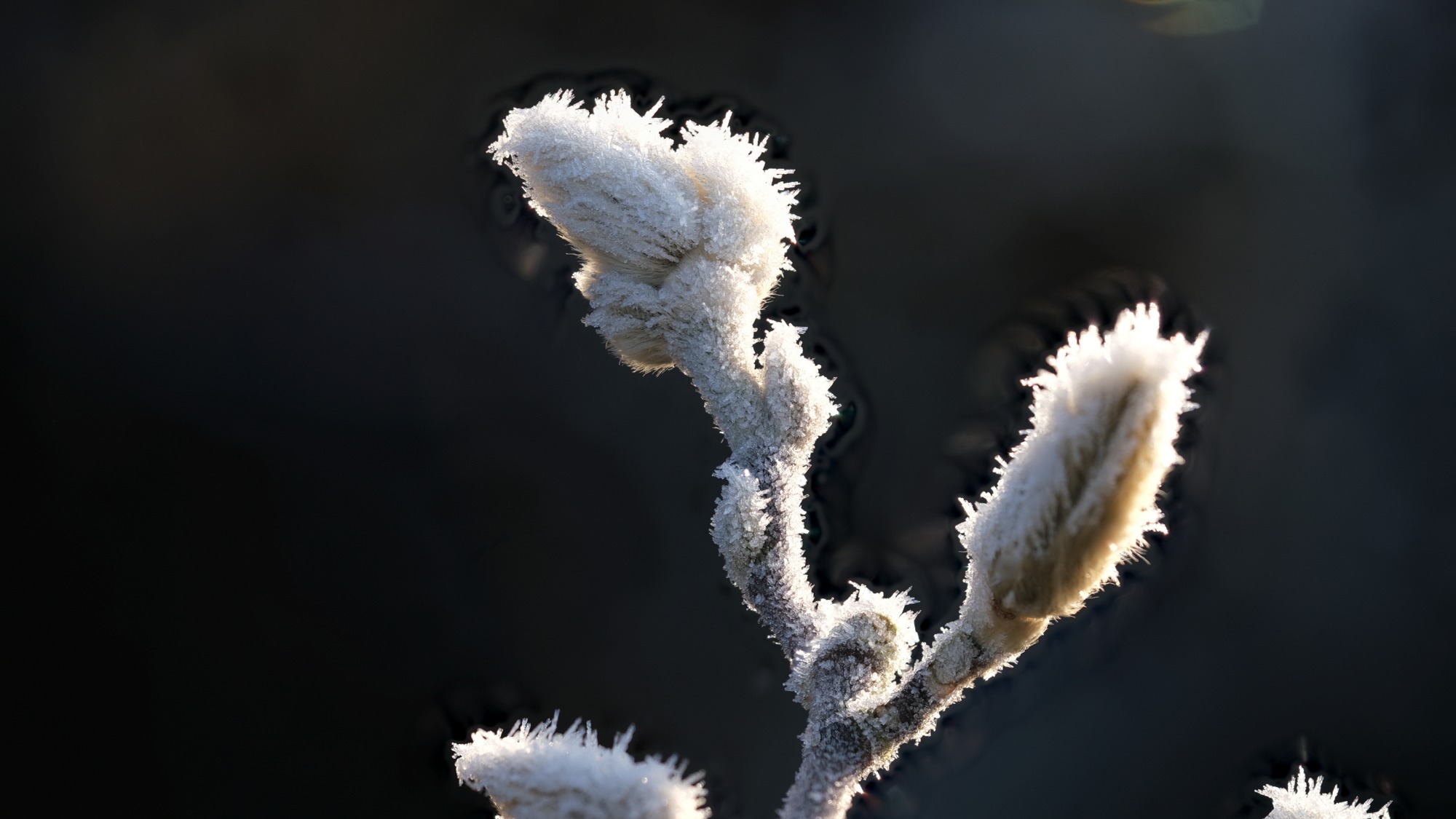
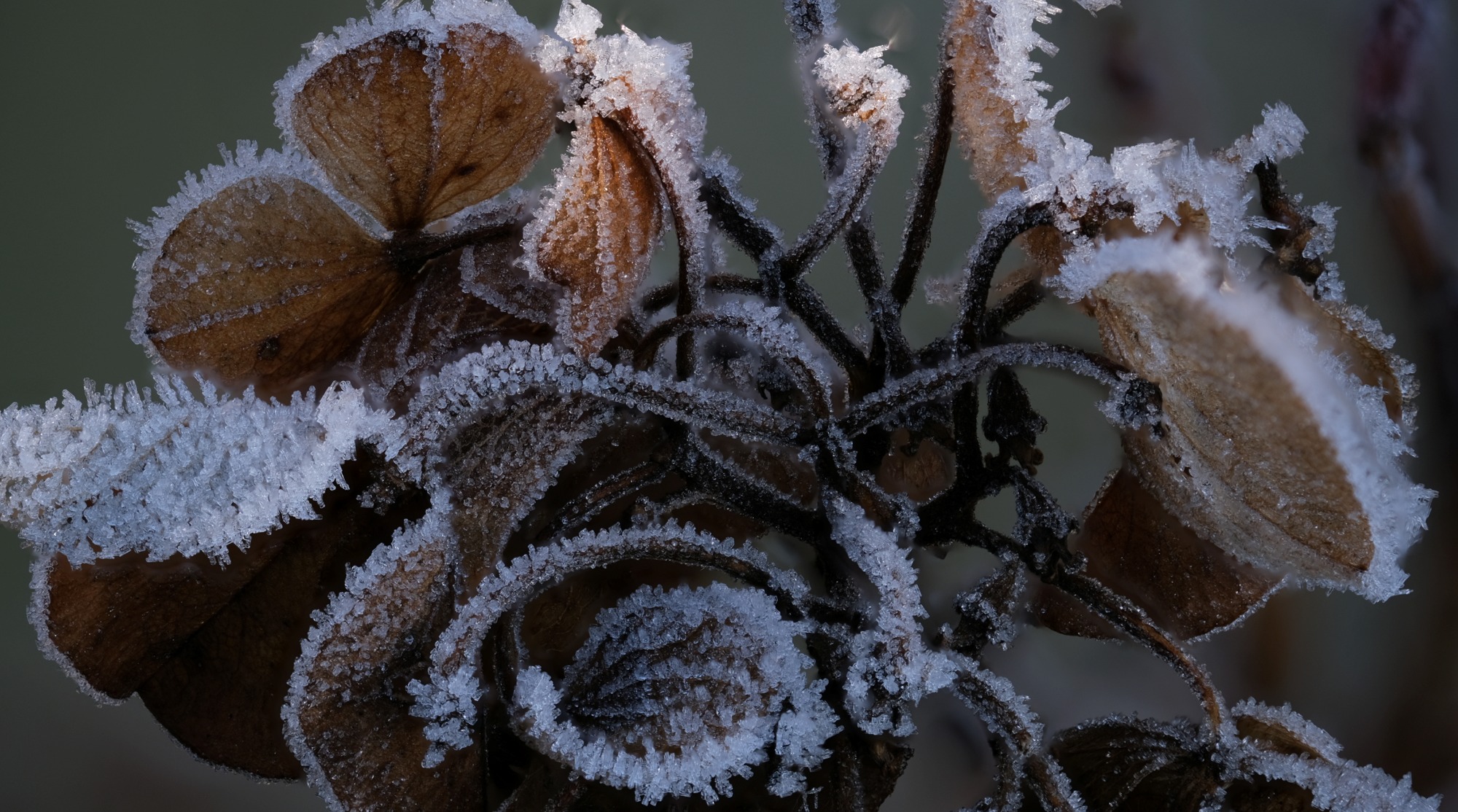
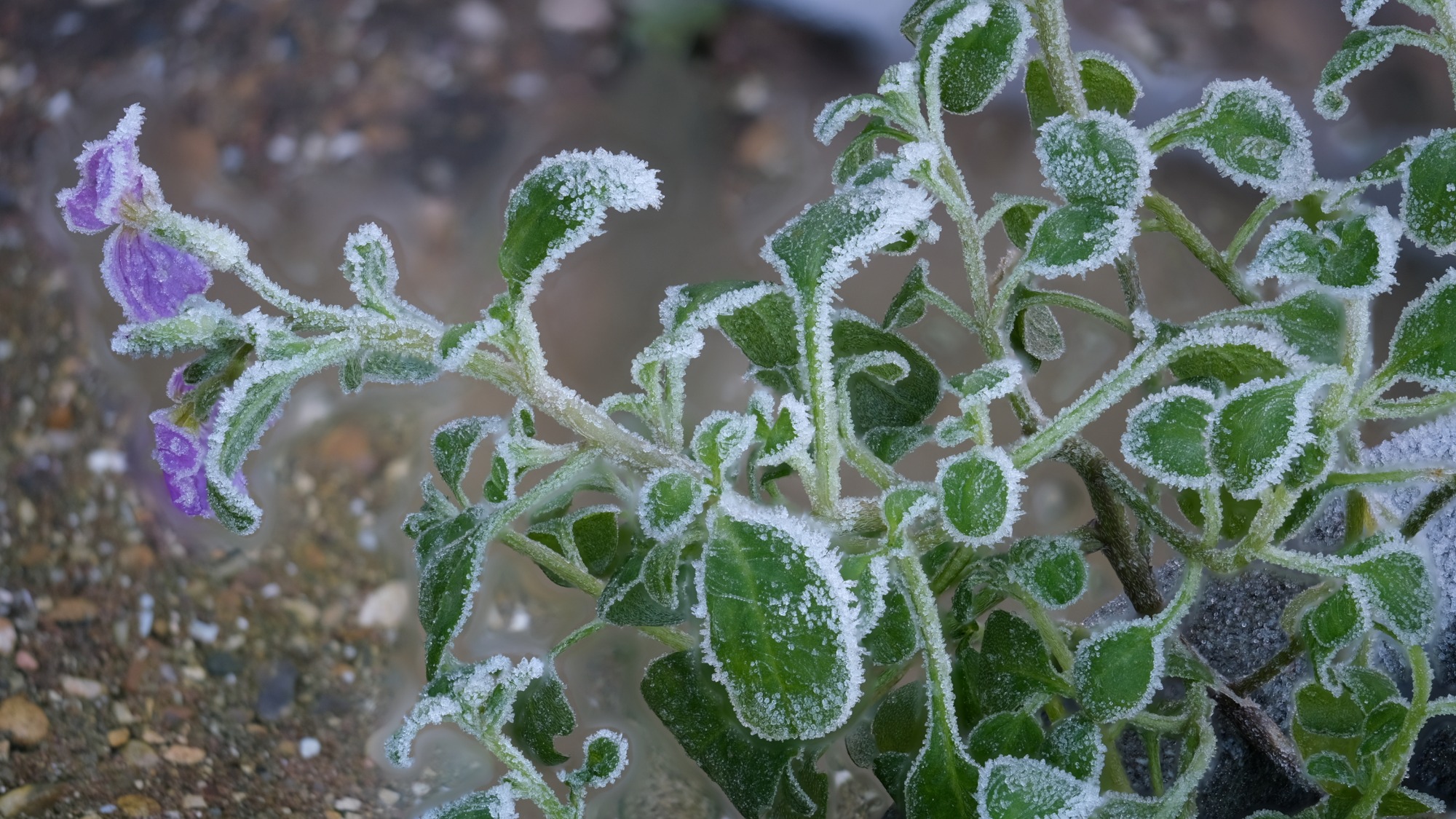
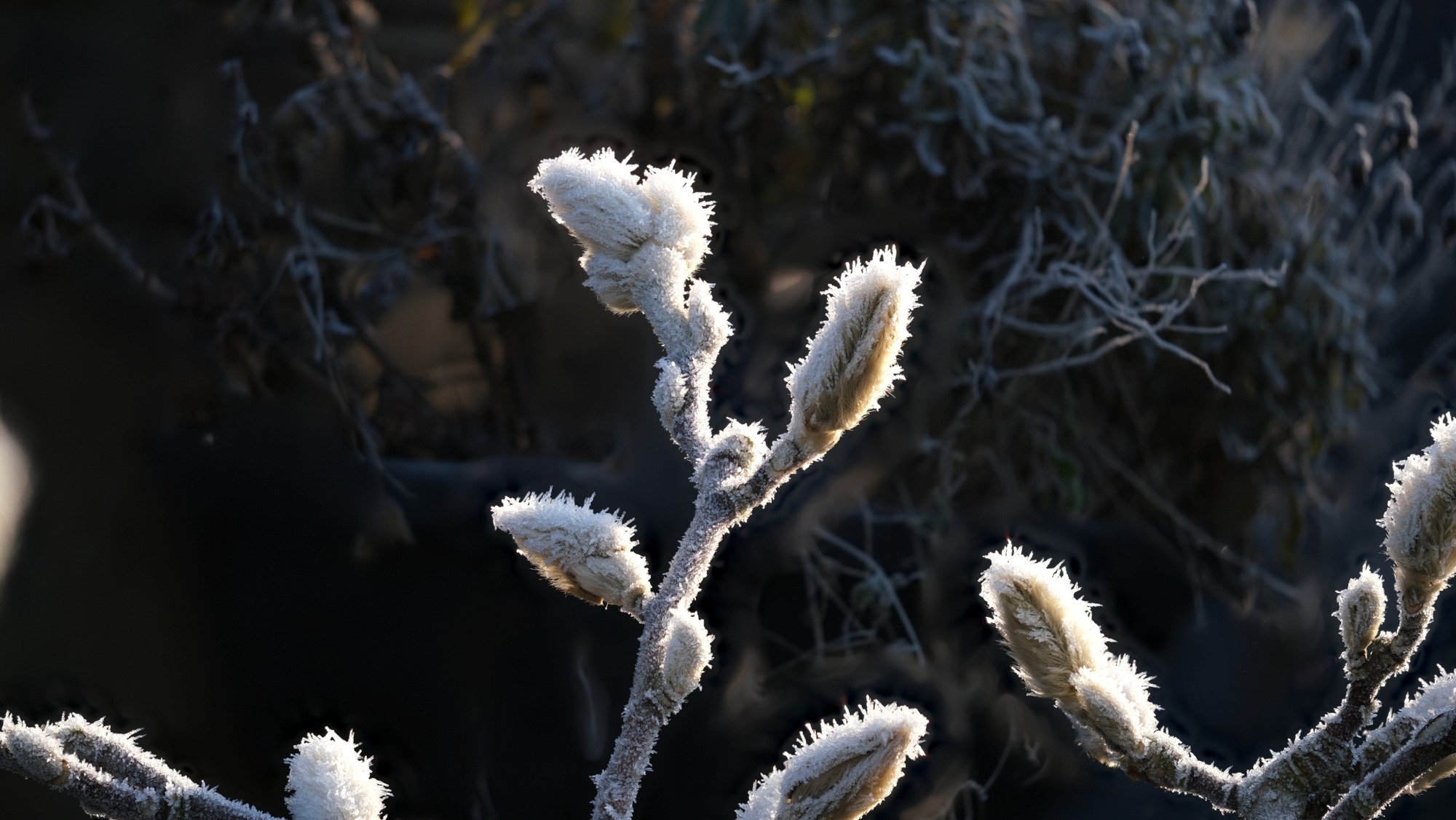
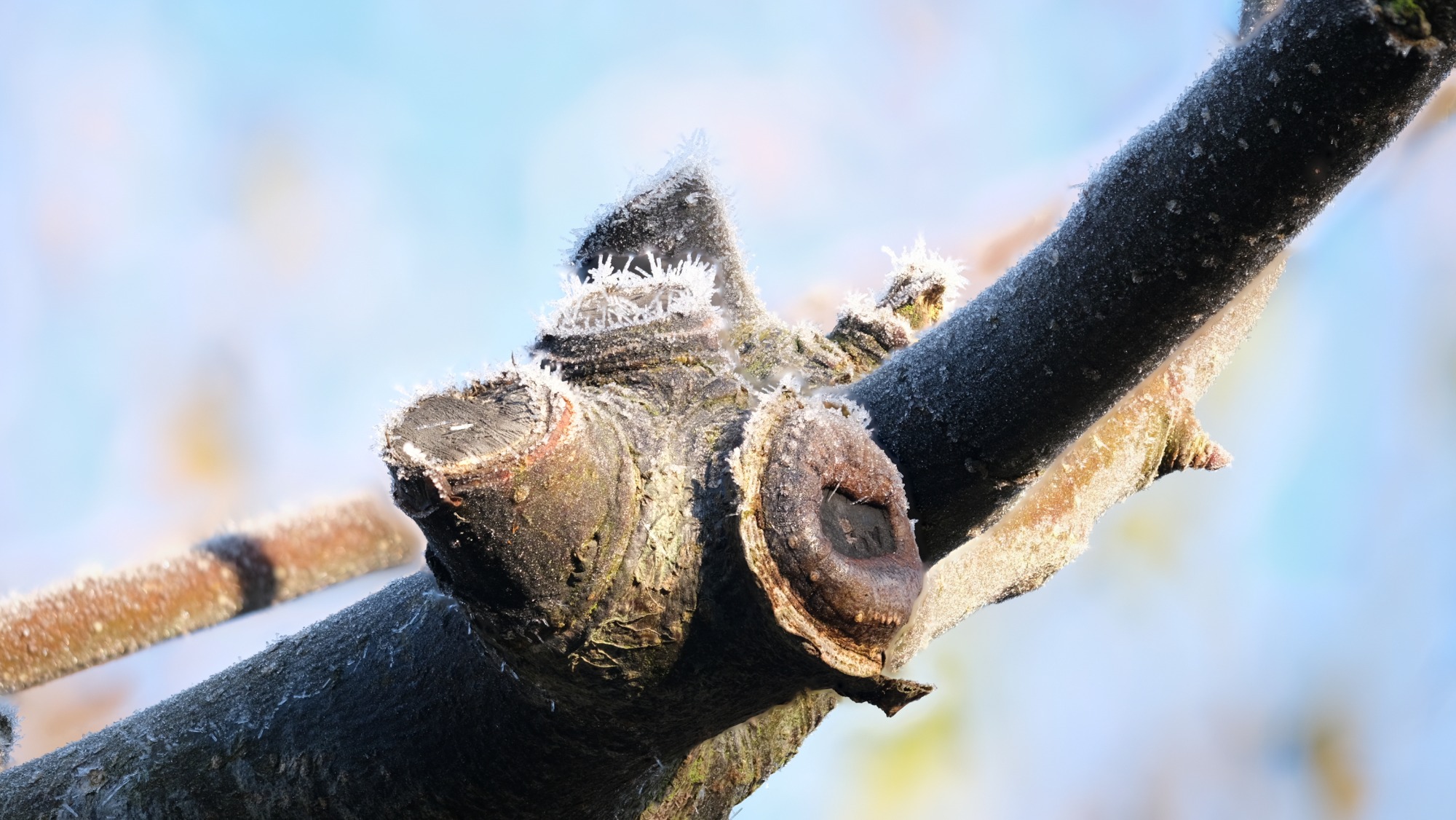
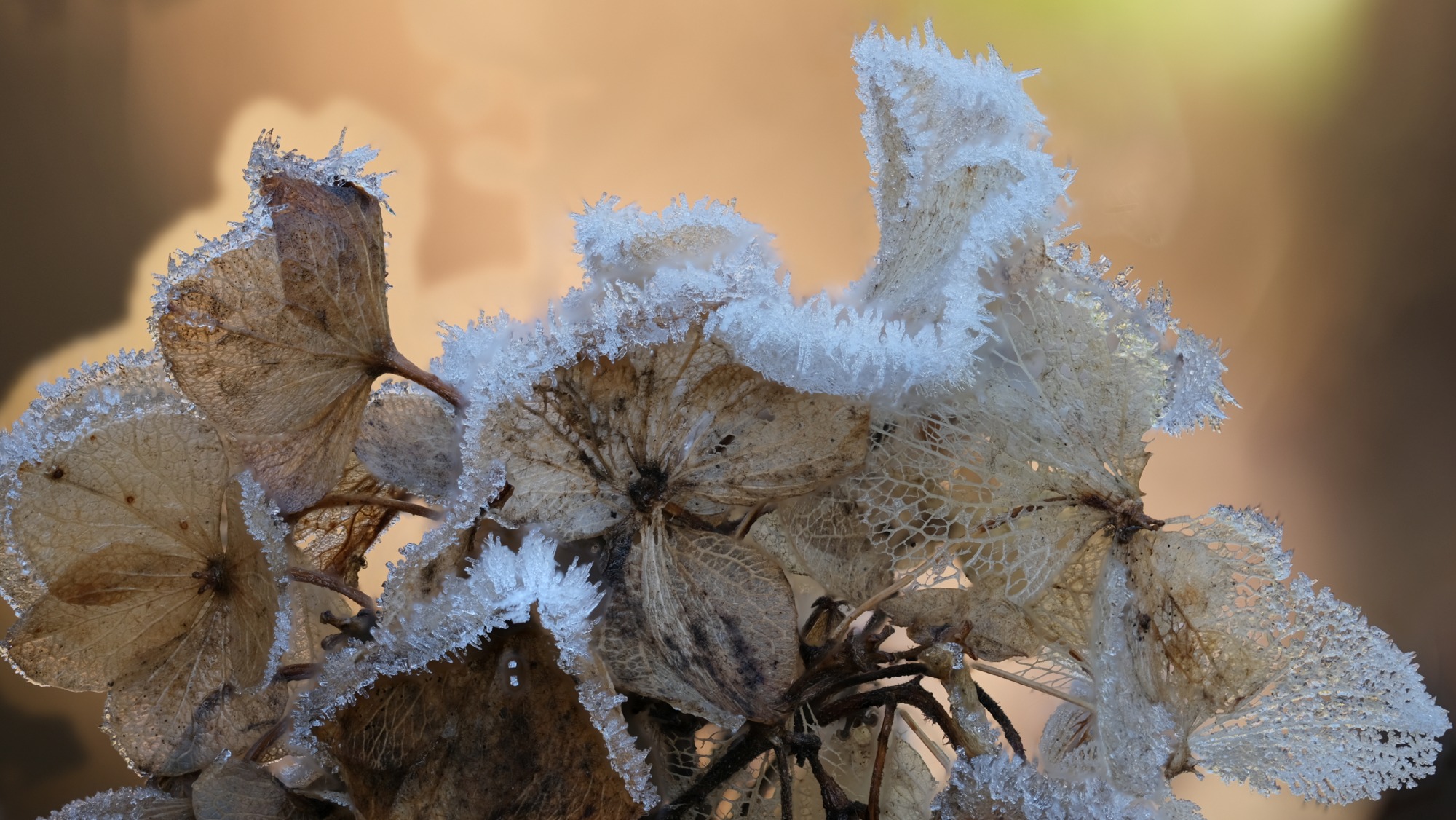
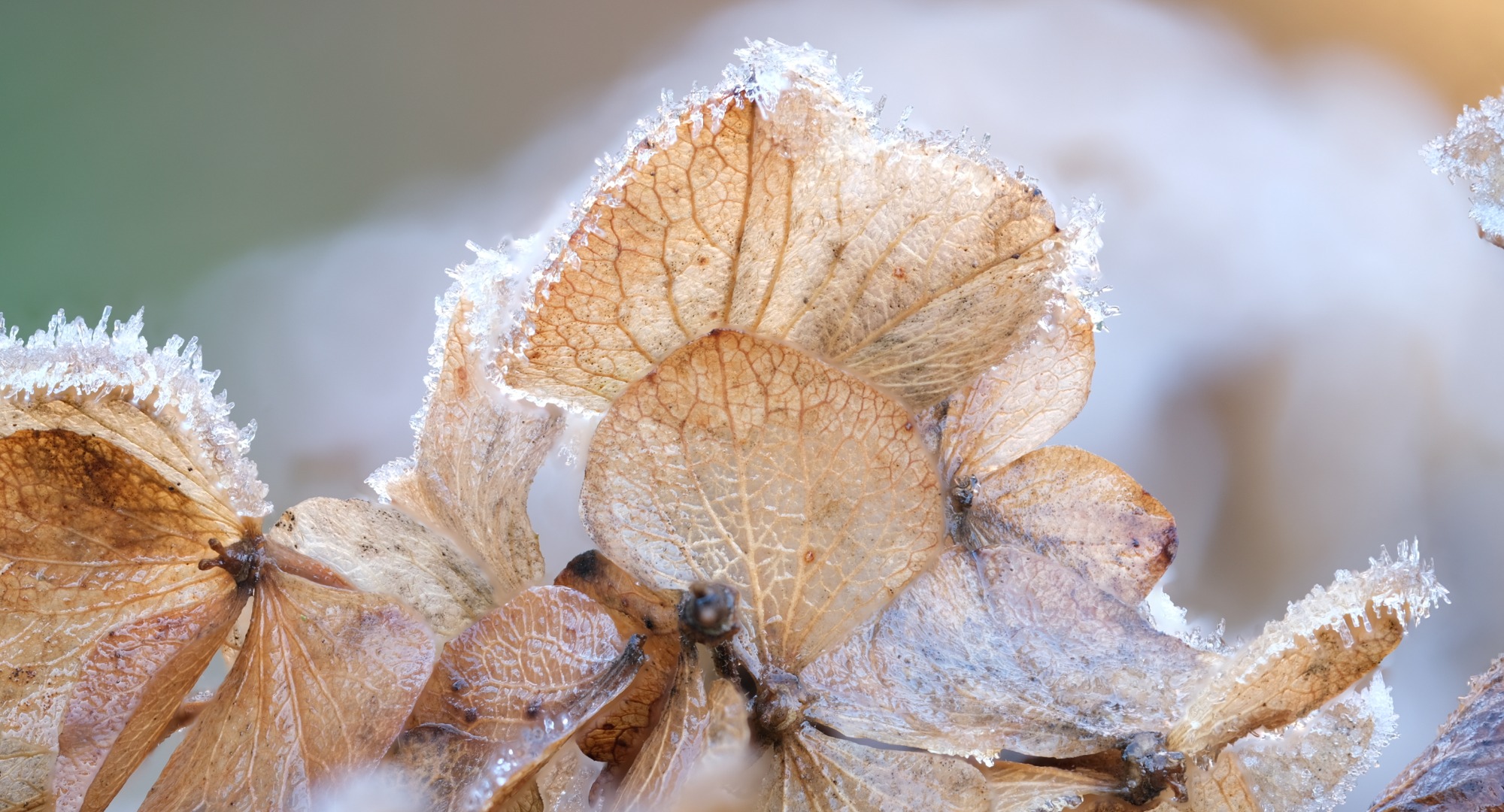
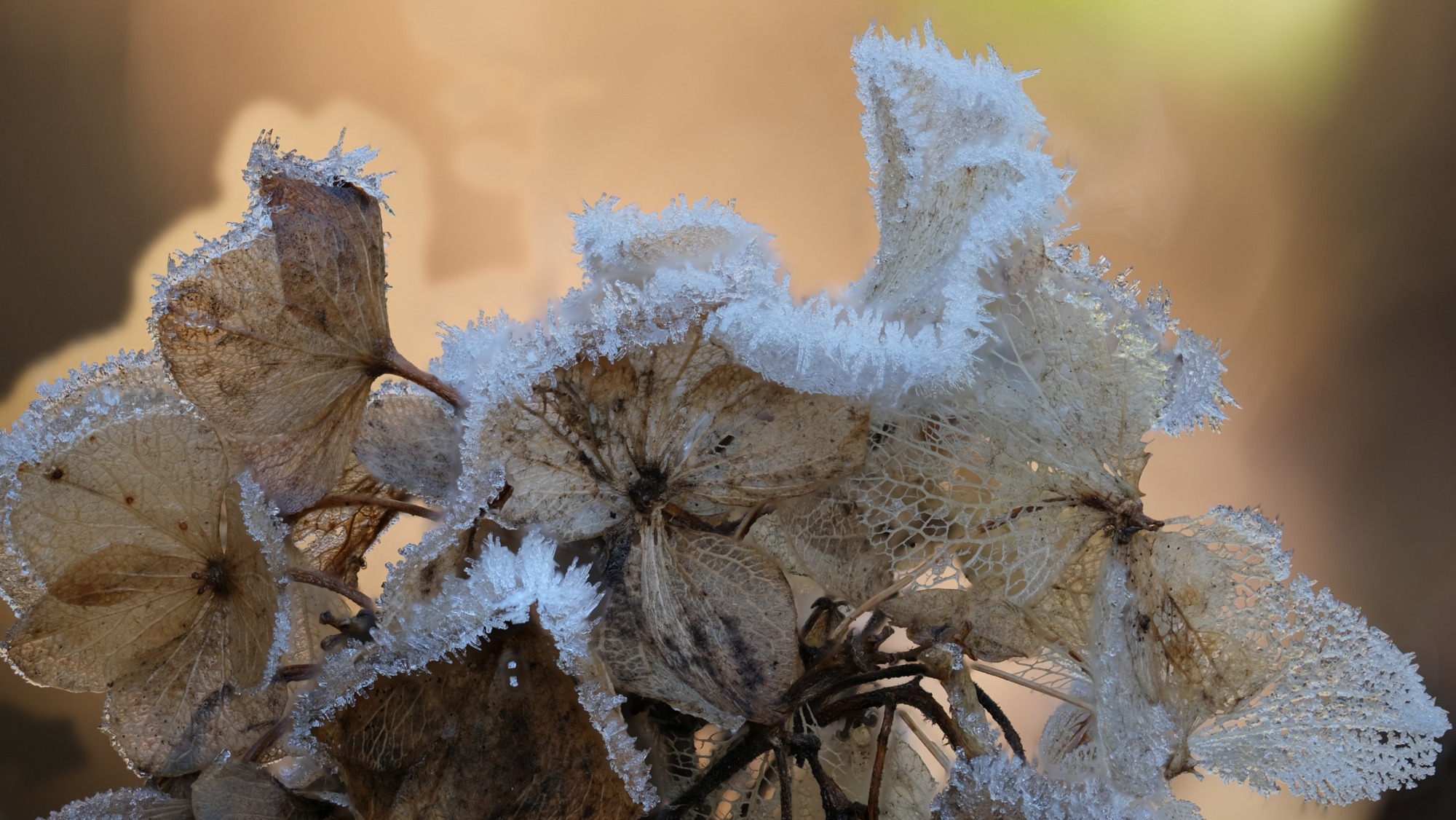
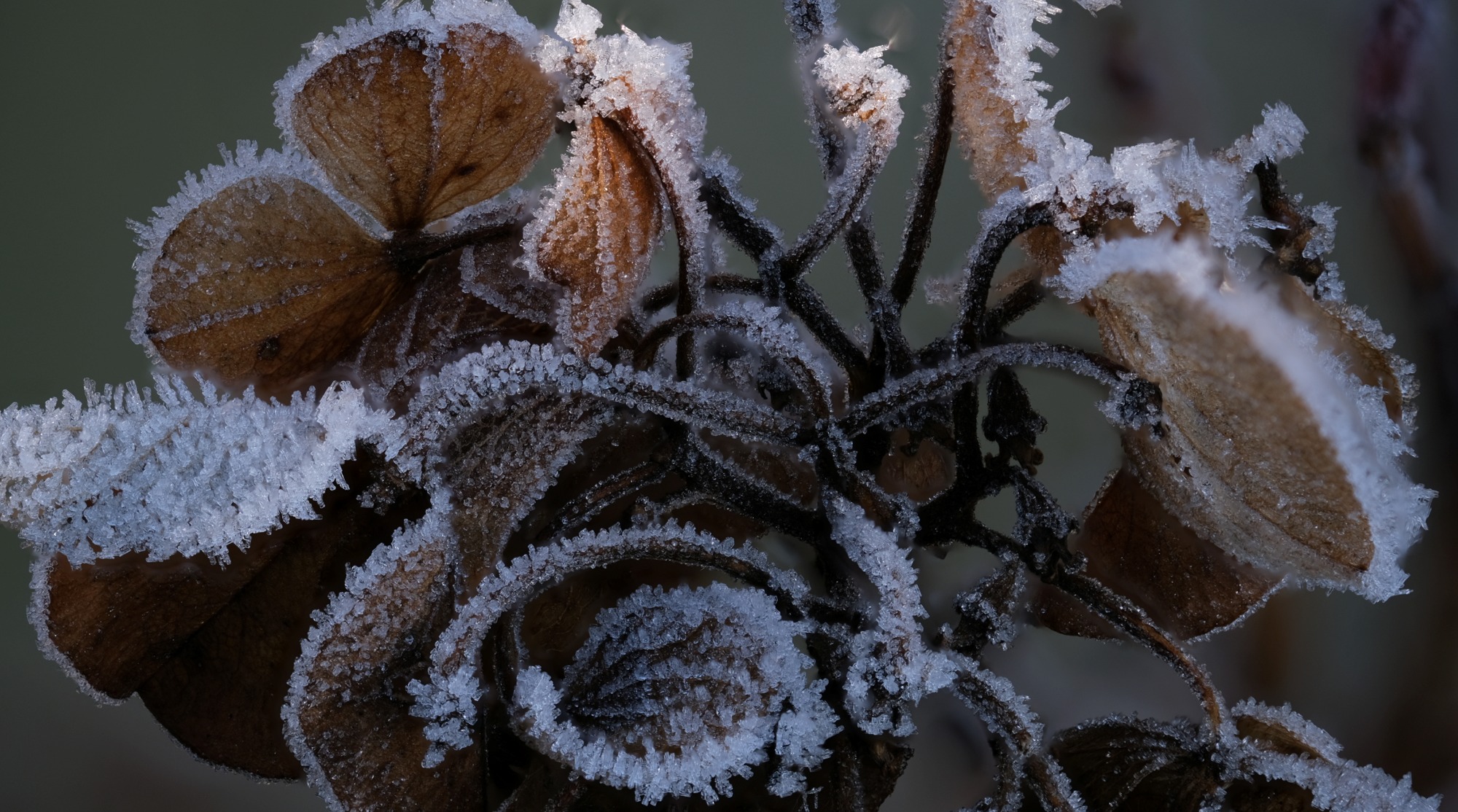
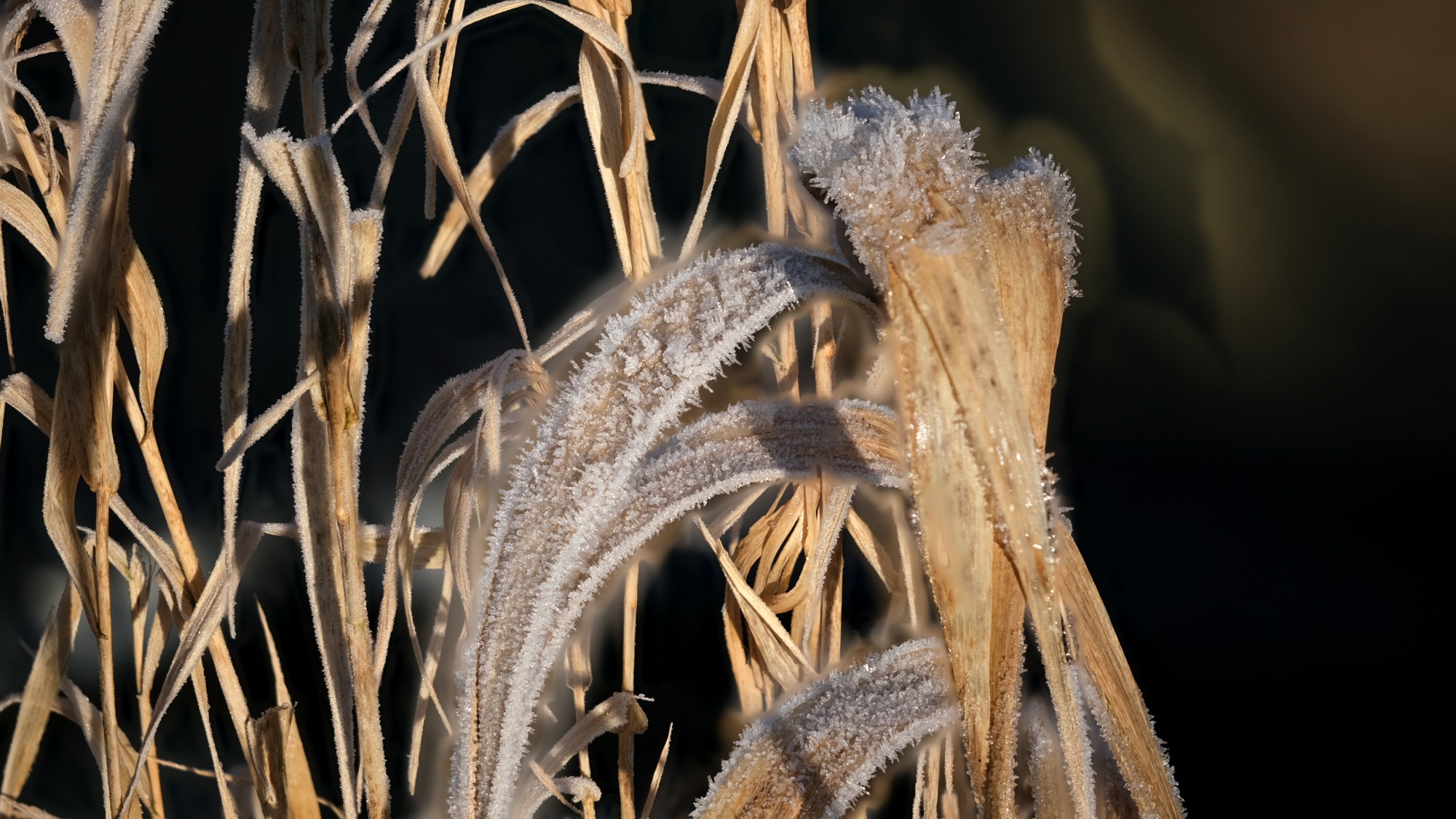
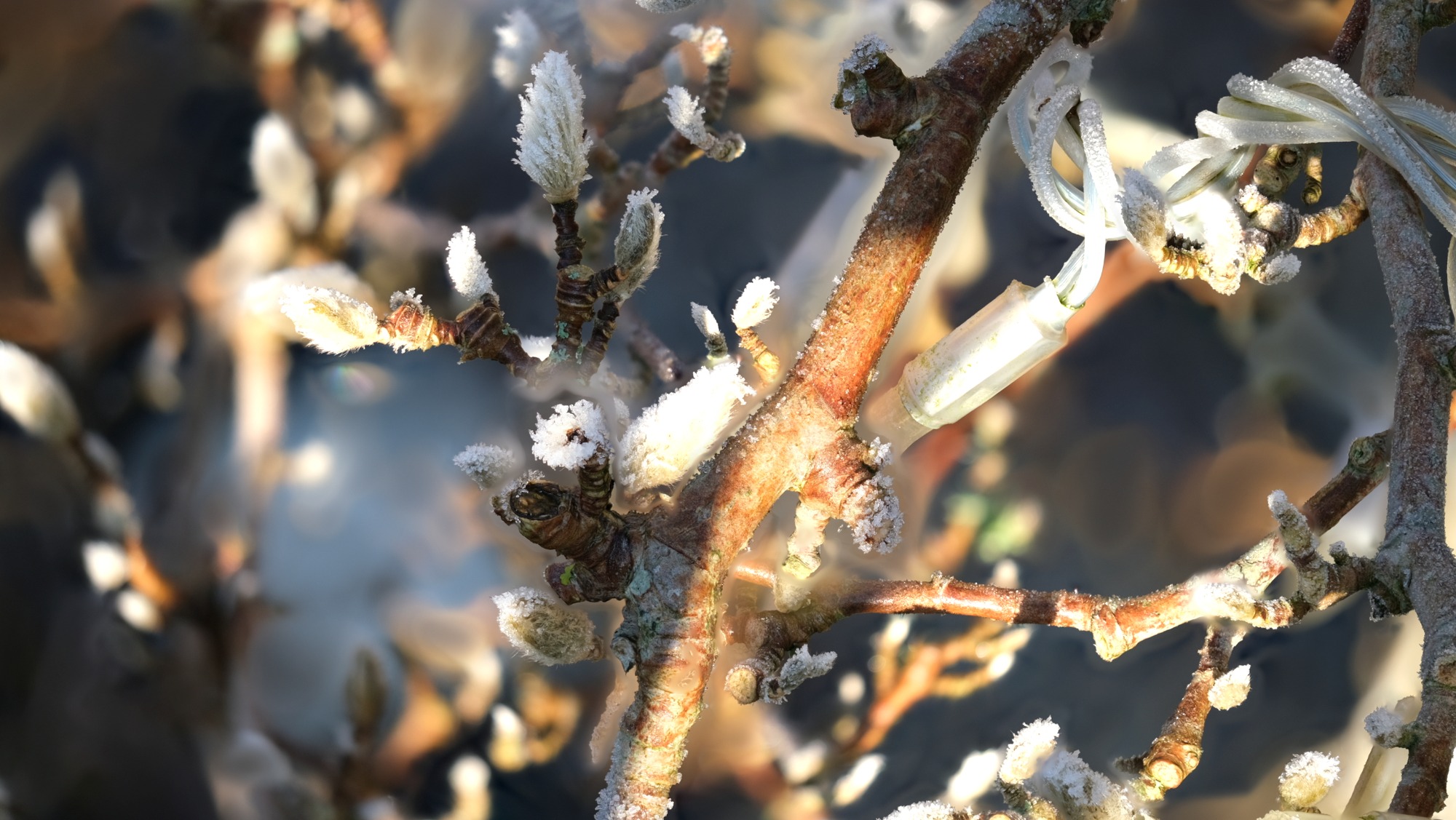
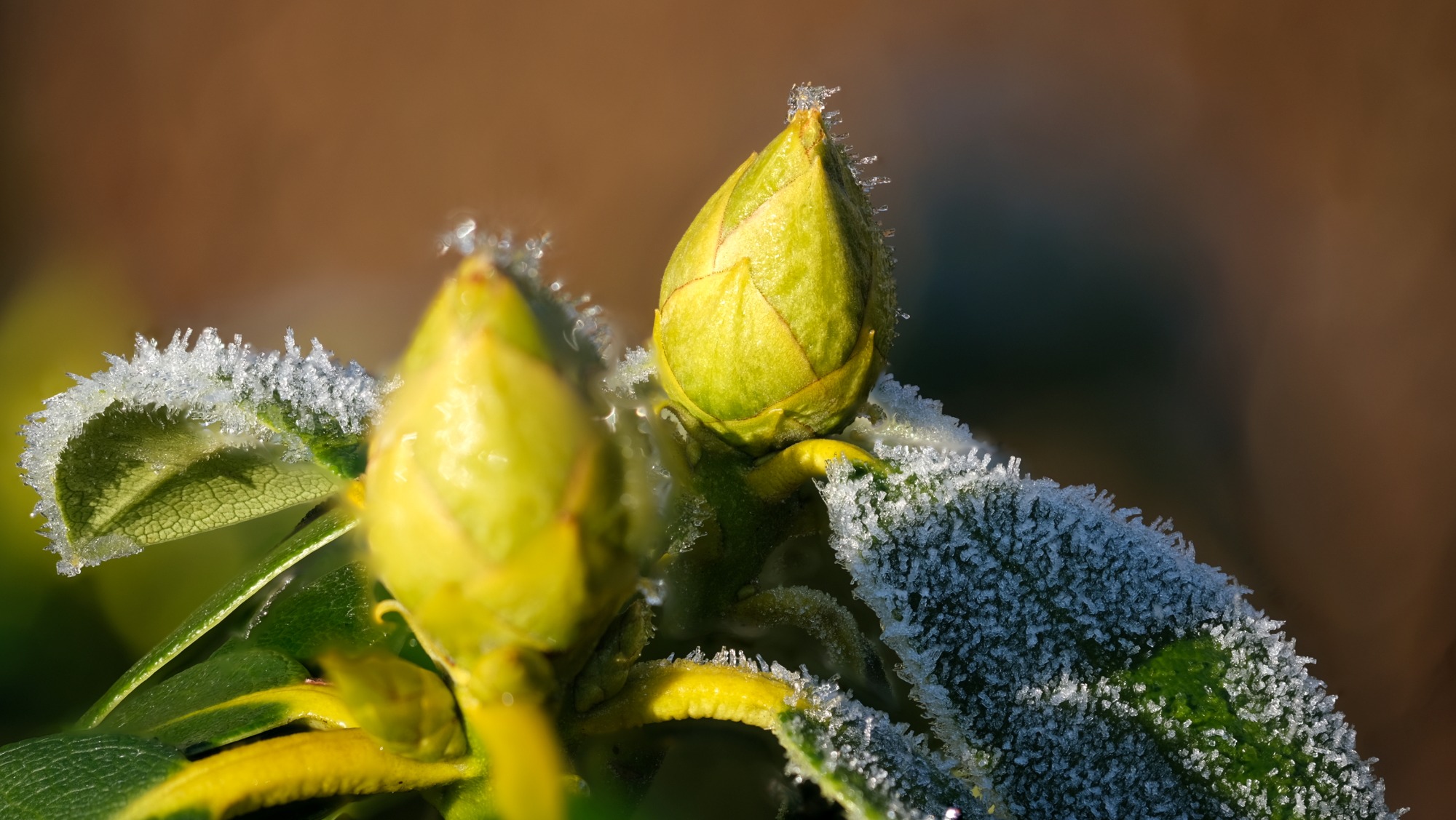
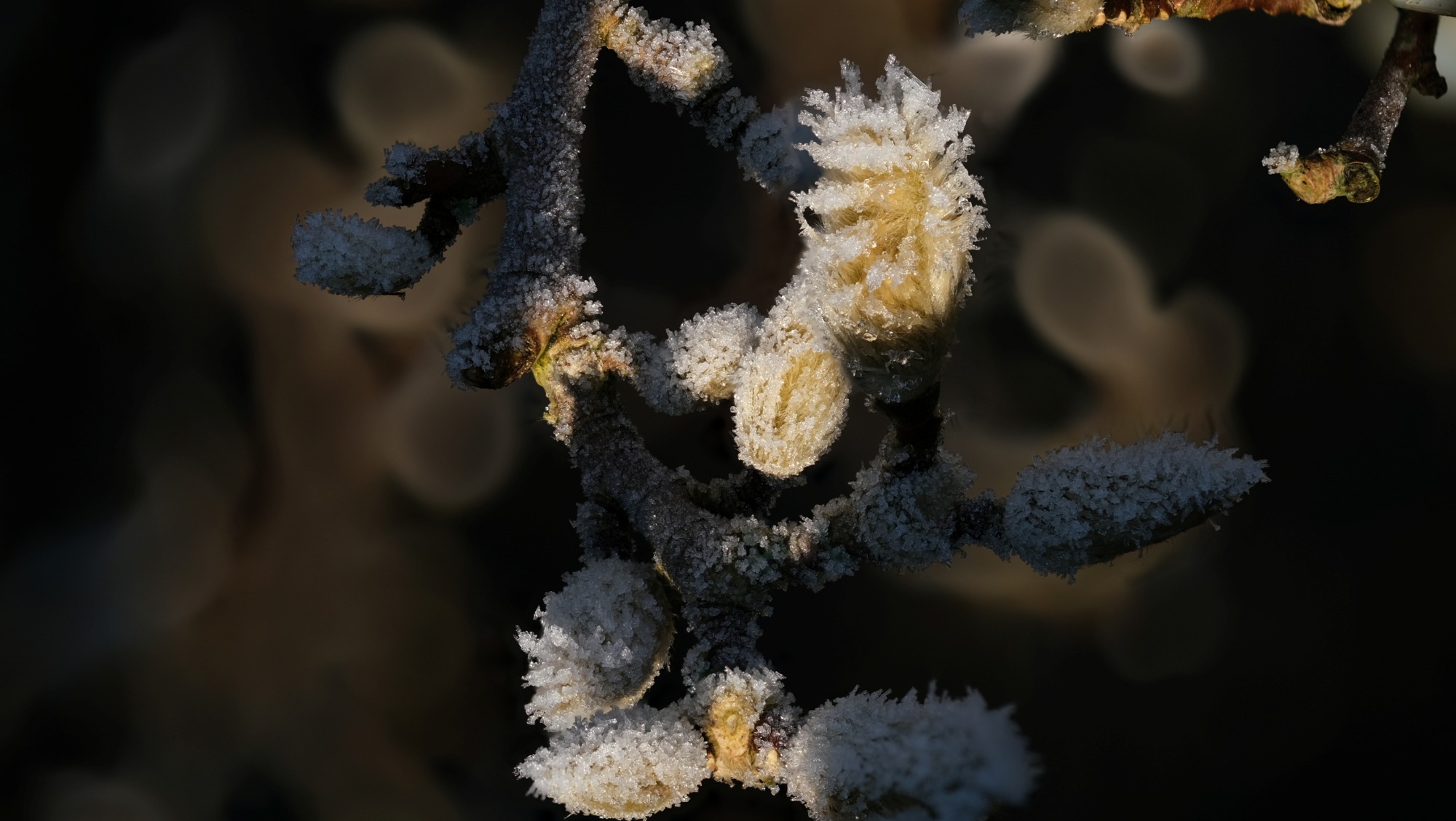
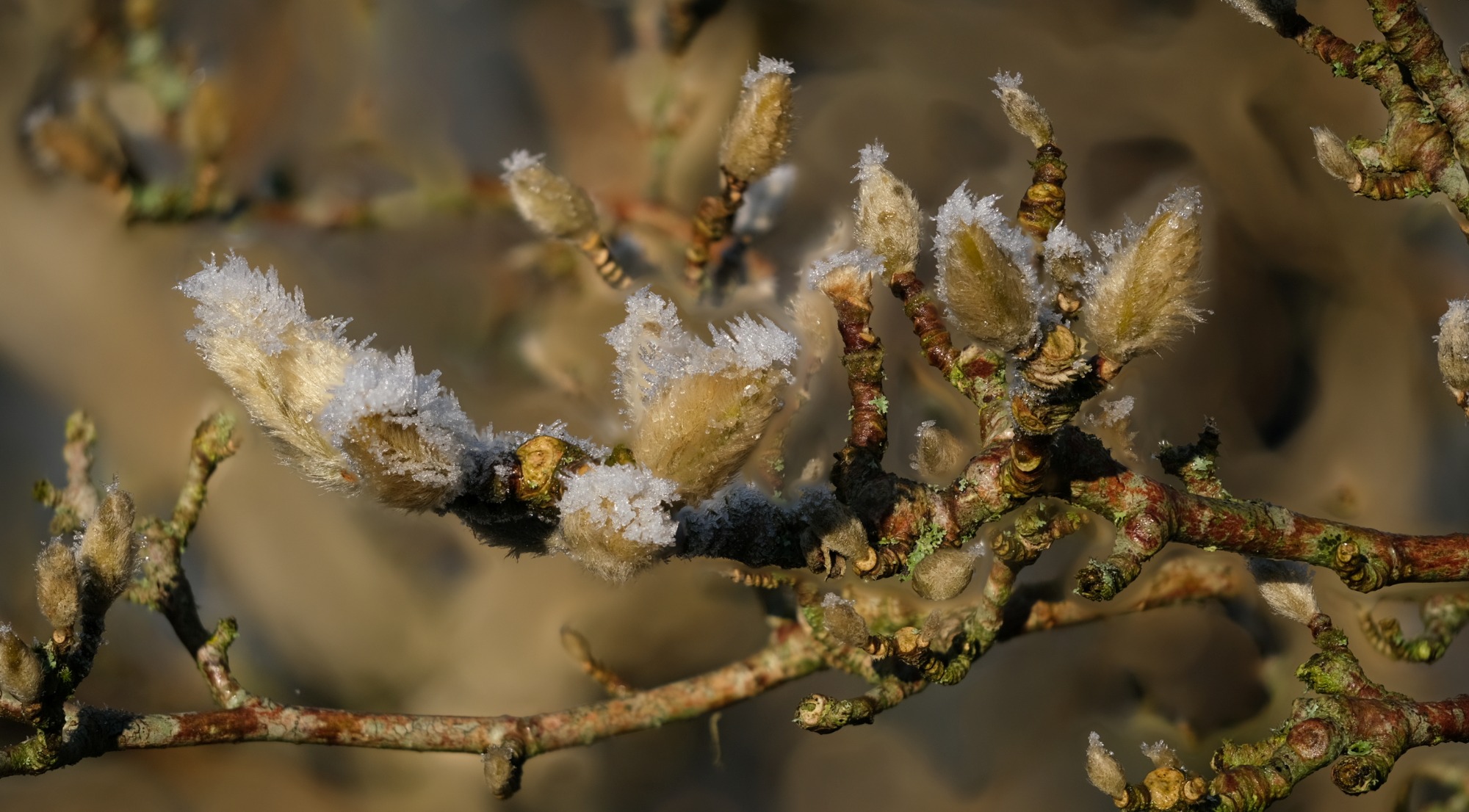
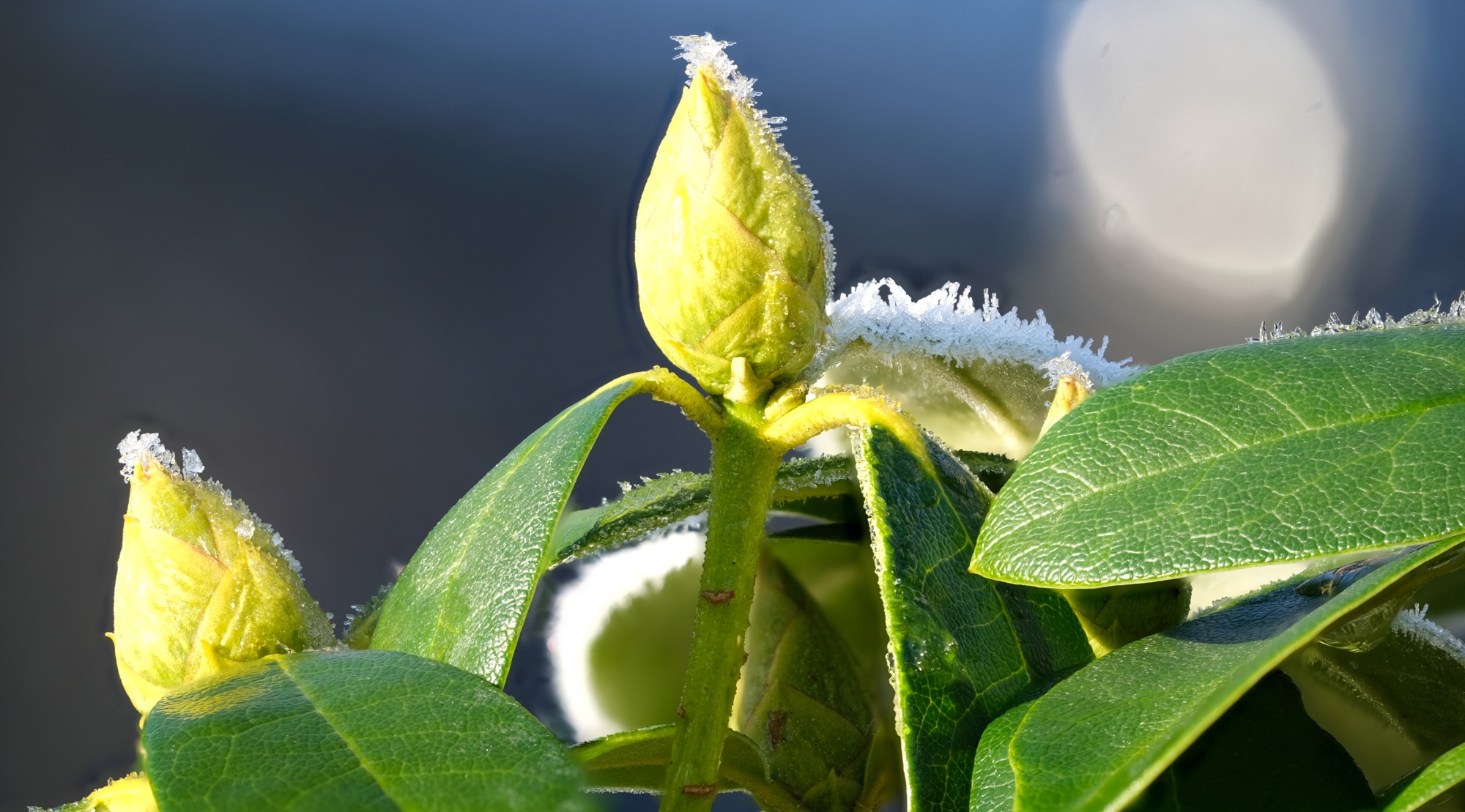
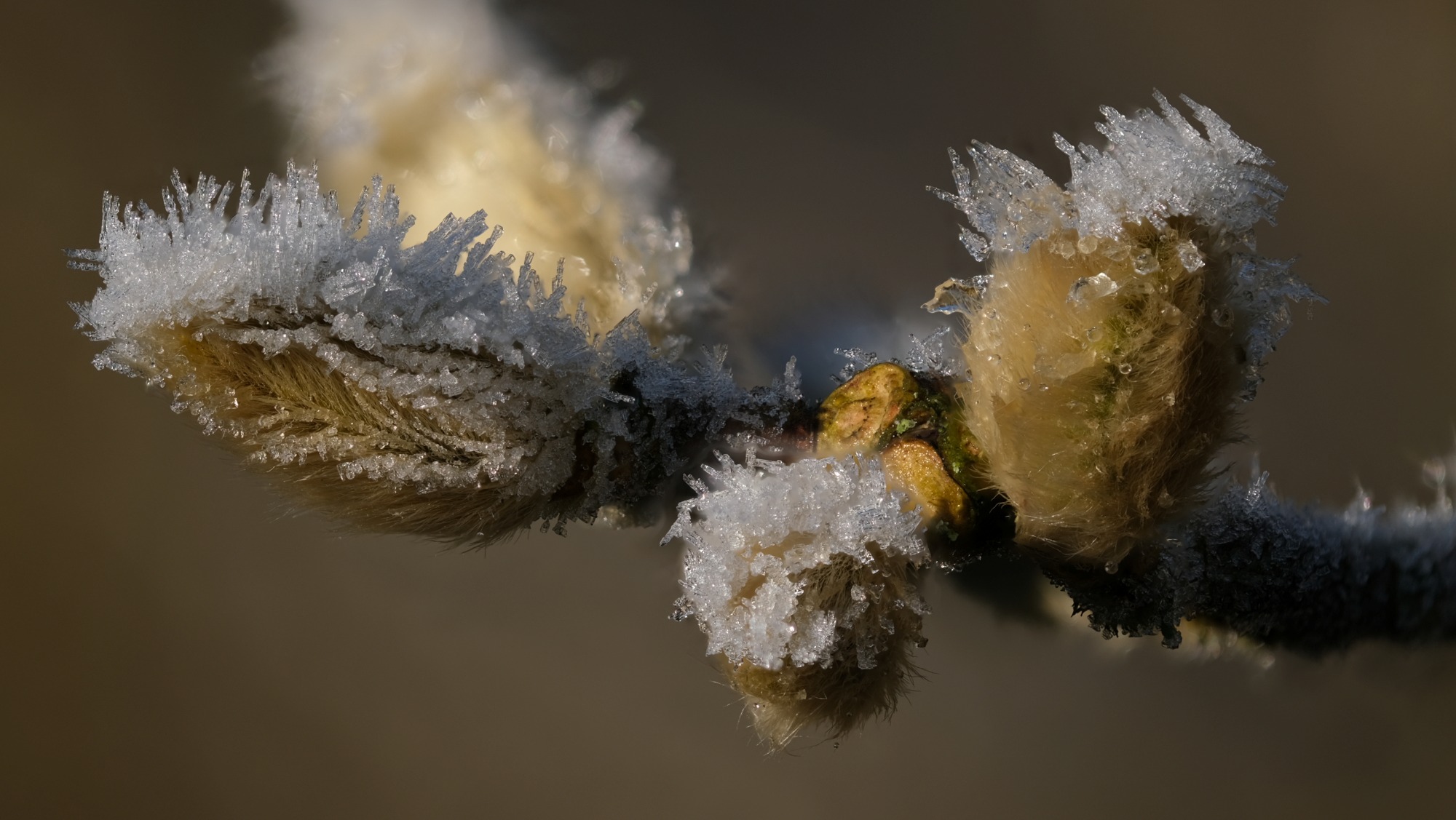
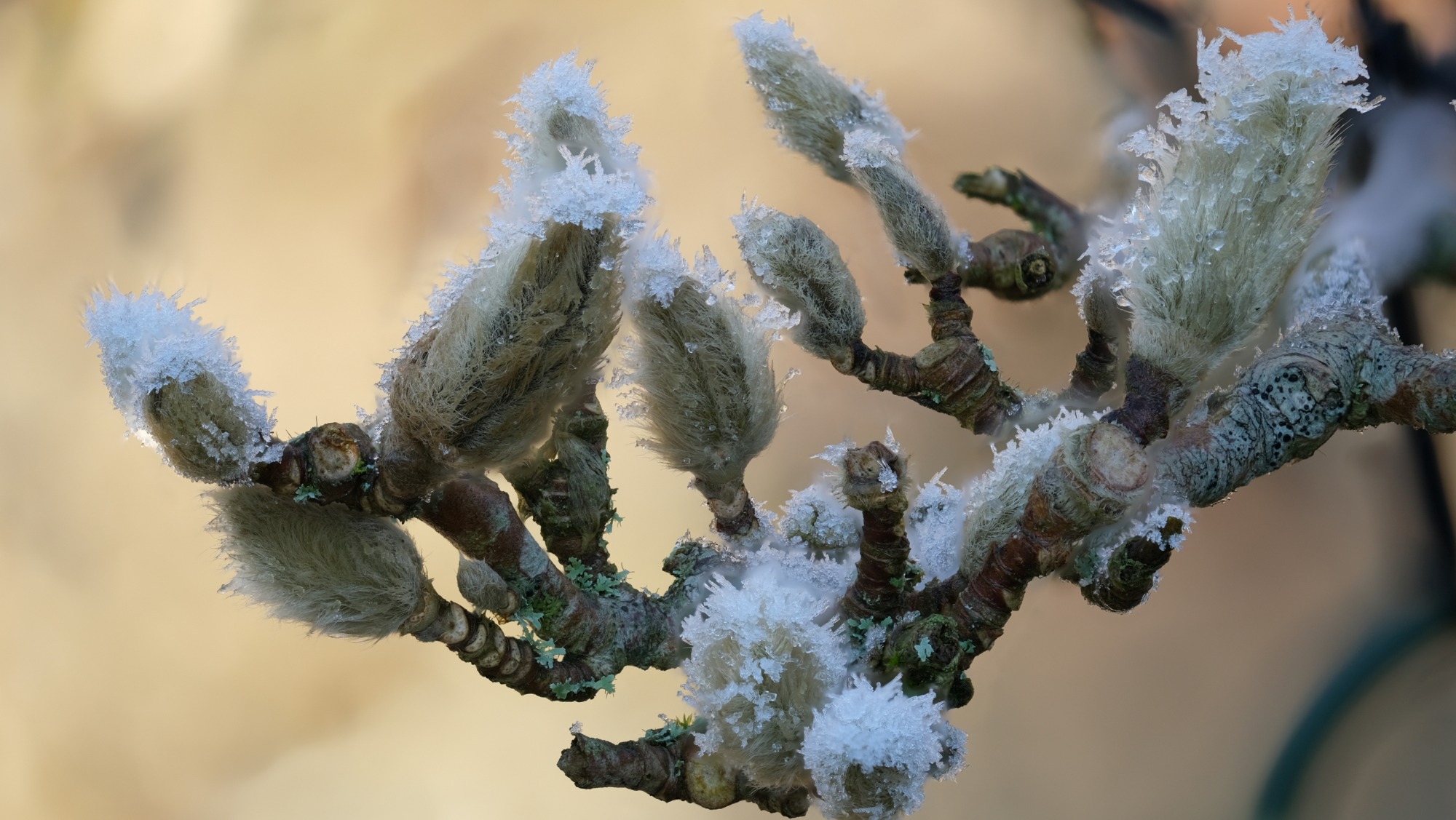
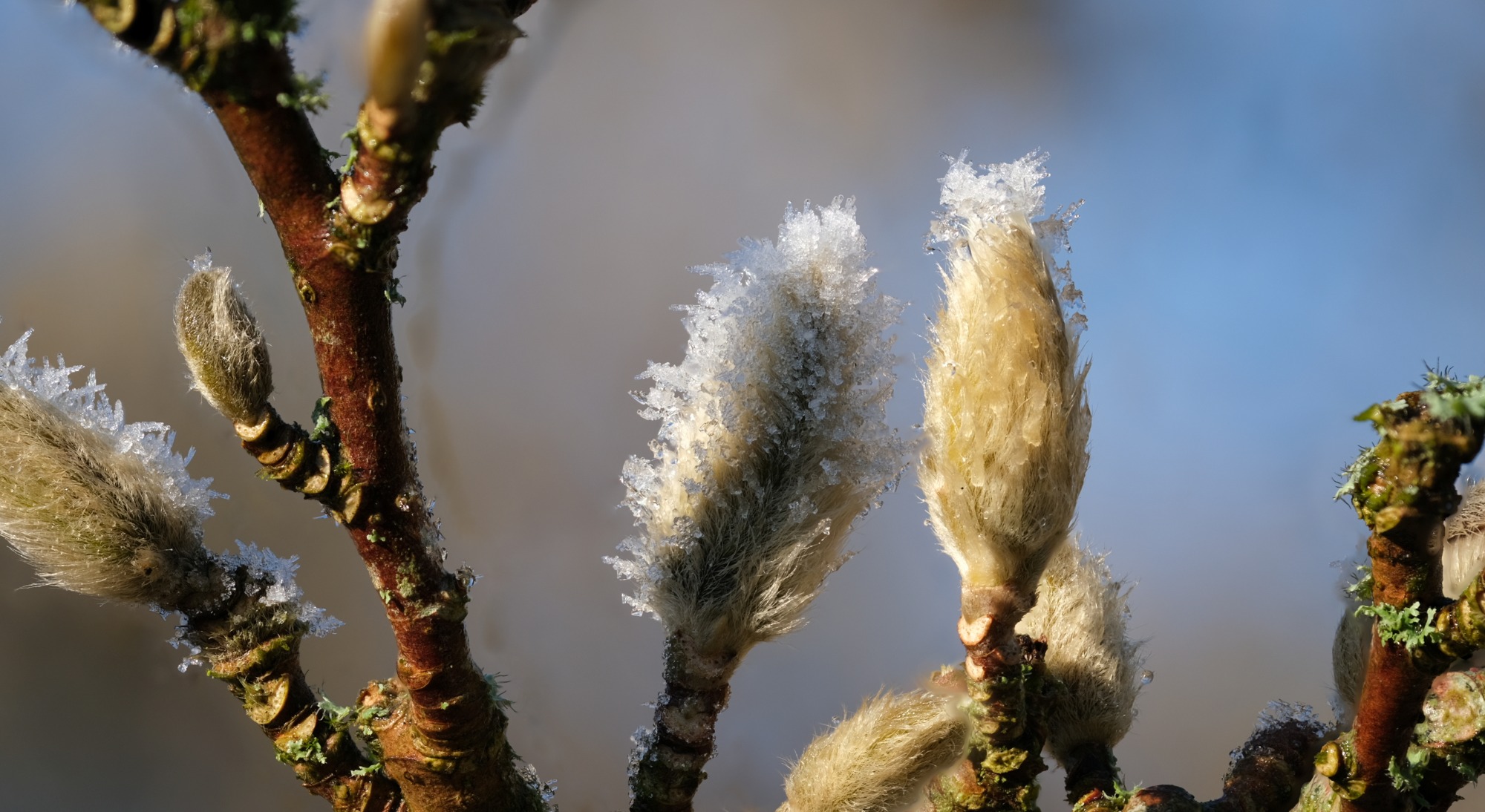
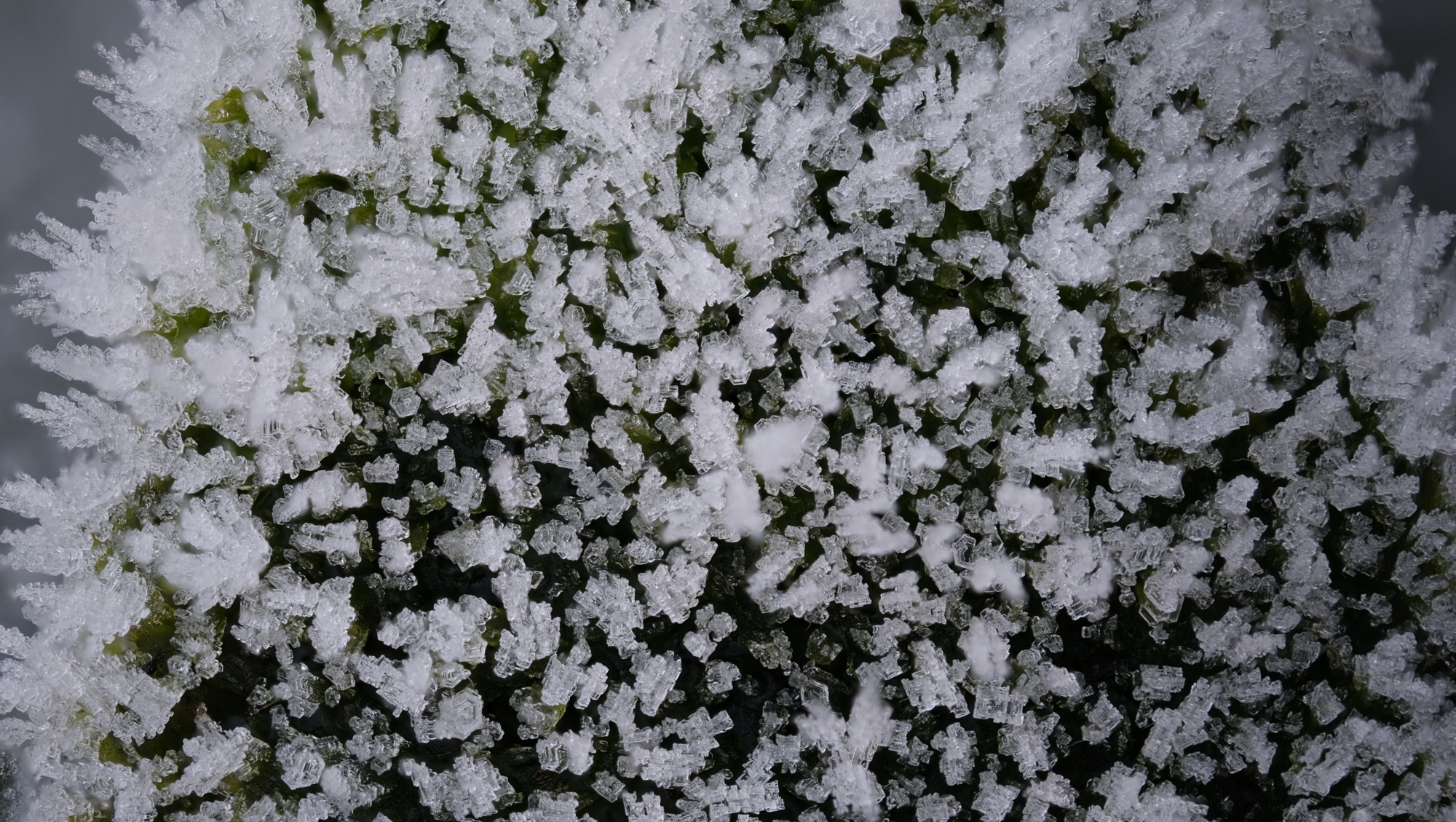
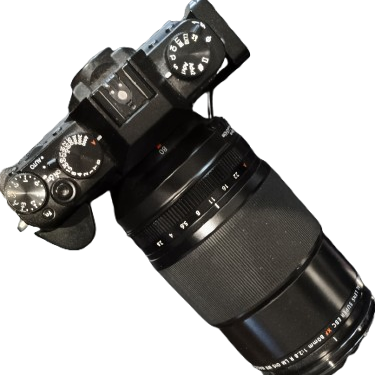
Stacked Photos. Taken with a Fuji X-T30 using Bracketing set to Focus, 80 Photos taken for each sequence. Camera fitted with a 80 MM Macro lens. Stacked using Helicon Focus
Photo stacking is an advanced photography technique that allows photographers to enhance their images by combining multiple photographs of the same subject. This method is particularly beneficial for achieving greater depth of field, reducing noise, and increasing detail in the final image. By selectively merging various exposures or focal points, photographers can create stunning visuals with incredible clarity and richness.
To begin with photo stacking, you need a sturdy tripod to ensure that all your shots remain aligned. Start by taking multiple photographs of the same scene, adjusting the focus for each shot to cover the entire depth of the subject. This is particularly useful in macro photography, where achieving sharpness throughout the image can be challenging.
Once you’ve captured your series of images, the next step involves using photo editing software. Programs like Adobe Photoshop or dedicated stacking software, such as Helicon Focus or Zerene Stacker, allow you to seamlessly combine these images. Import all the photographs into the software, and it will align and blend them into one cohesive image, preserving sharpness and detail across the entire frame.
Moreover, photo stacking can also be applied when dealing with high dynamic range (HDR) photography. By taking multiple exposures at different exposure levels and stacking them, you can achieve balanced lighting and rich colour depth that would be difficult to capture in a single shot. This technique enables the photographer to balance highlights and shadows for a more vivid representation of the scene.
In conclusion, photo stacking is a powerful technique that can significantly elevate your photography. With the right equipment and editing tools, you can transform ordinary images into extraordinary works of art, showcasing details and dynamics that truly captivate the viewer's attention.
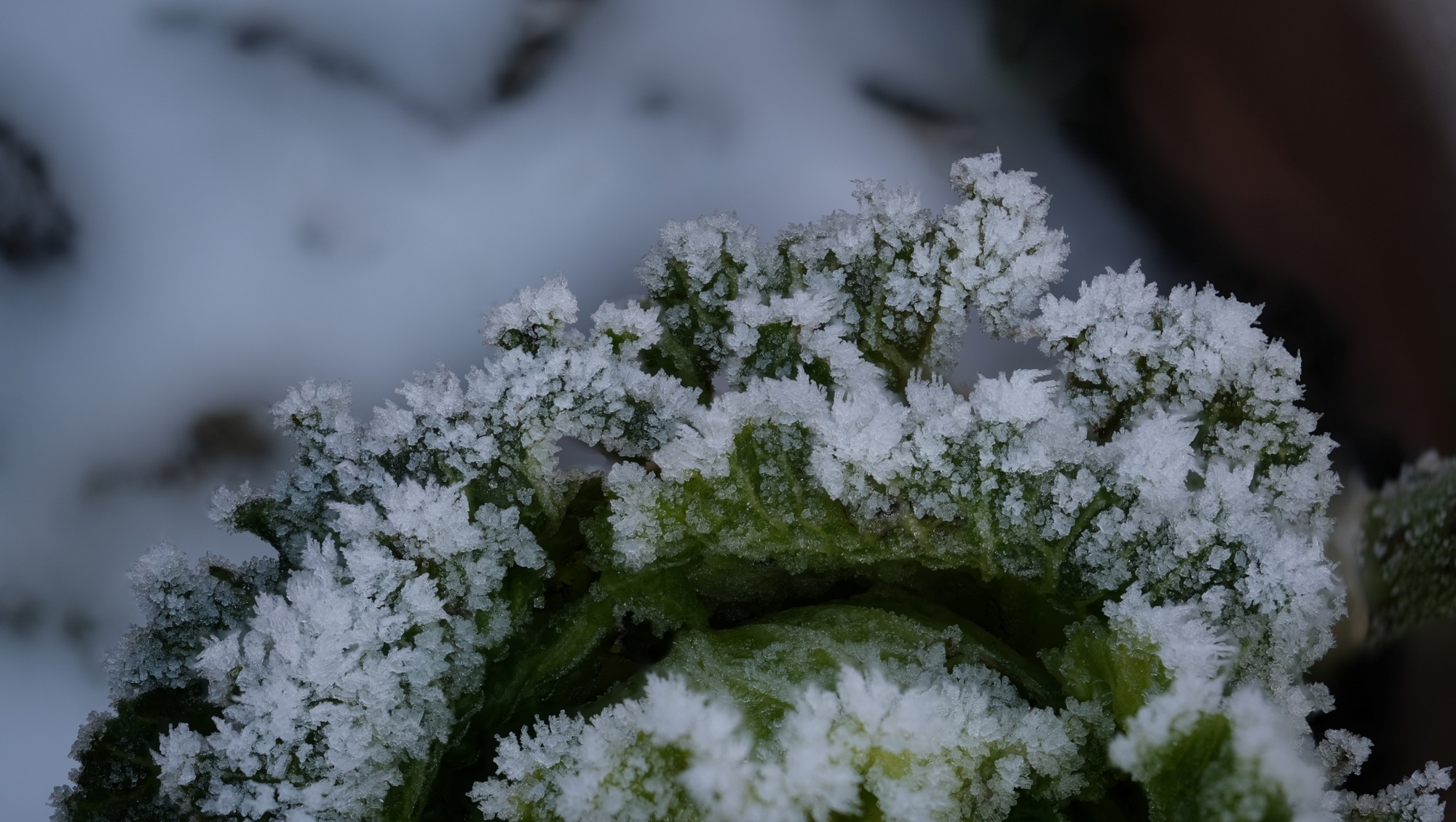
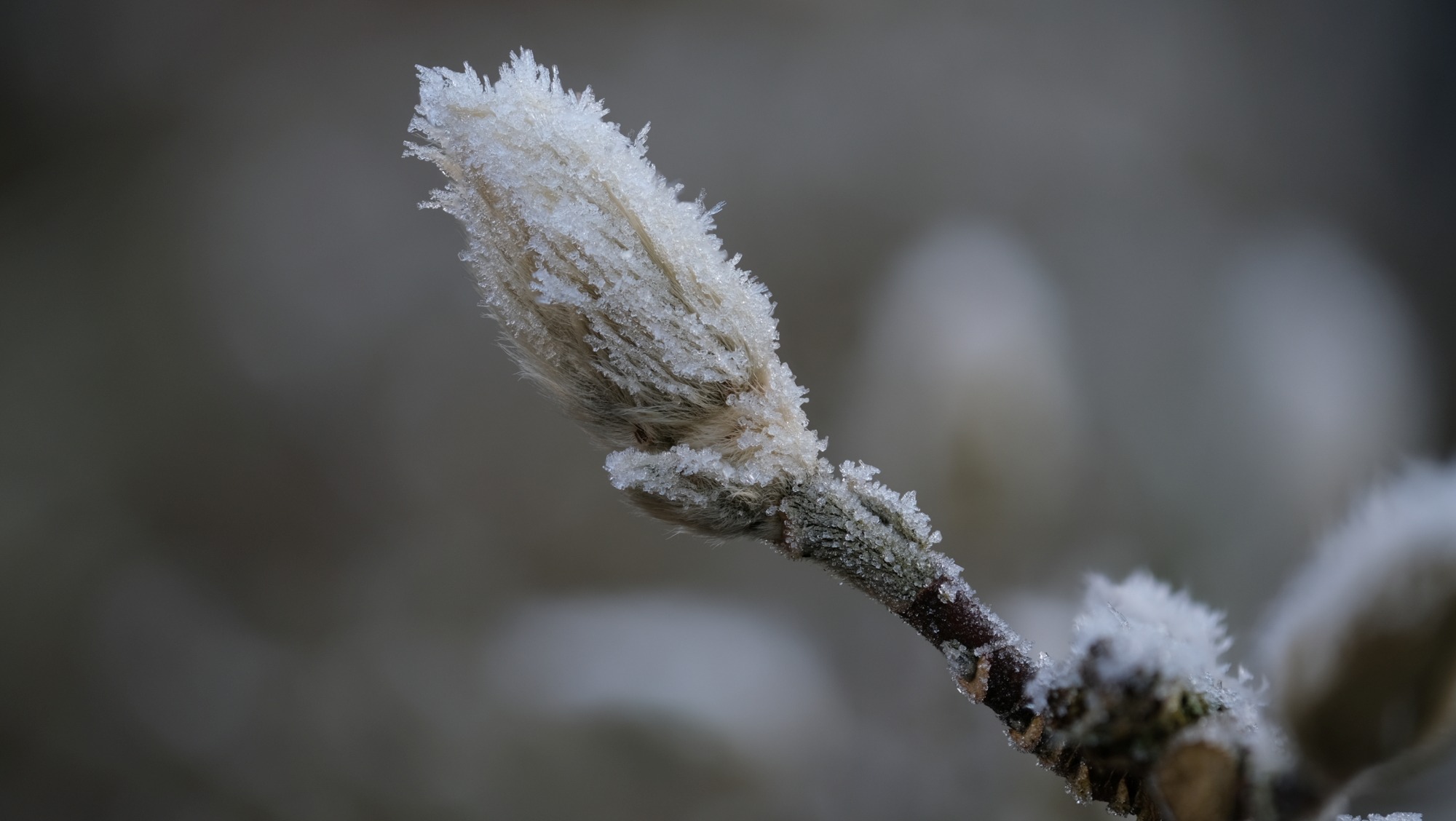
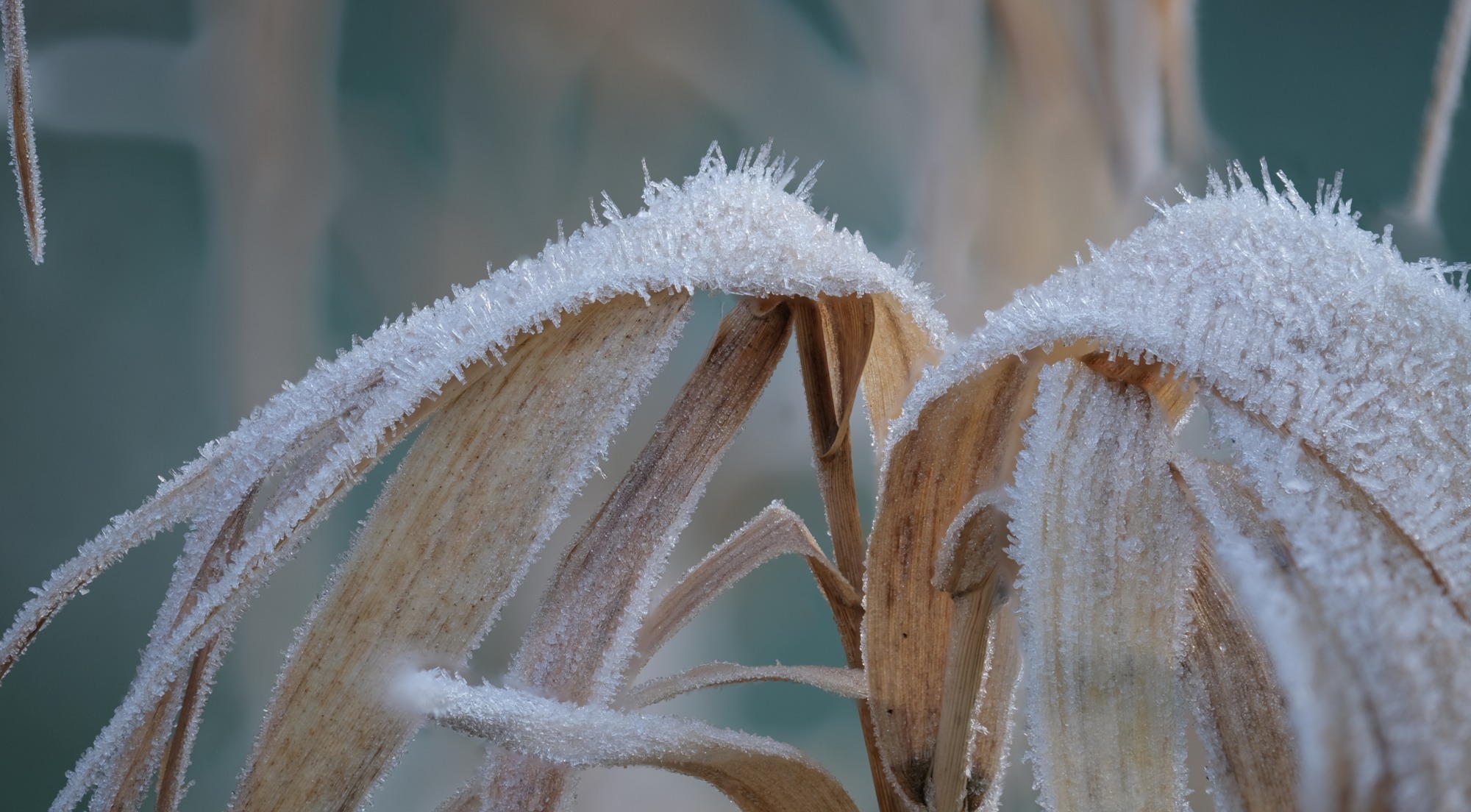
Setting up a Fuji X-T30 to use Focus Bracketing
The Fuji X-T30 is a versatile and powerful mirrorless camera that appeals to both amateur and professional photographers. One of its notable features is the Focus Bracketing setting, which can significantly enhance the depth of field in your photography. This function allows users to take multiple shots at different focus distances, ensuring that the entire subject is sharply rendered, which is particularly useful in macro and landscape photography.
Setting up Focus Bracketing on the Fuji X-T30 is a straightforward process. First, you’ll need to navigate to the shooting menu of the camera. From there, select the 'Drive Mode' option, where you will find the Focus Bracketing setting. Once activated, you can adjust key parameters such as the number of frames, the step size between each focus point, and the interval between shots.
When deciding on the number of frames, consider the depth of field you desire and the scene's complexity. A greater number of frames will capture more focus points, but it will also require more processing time later. The step size can usually be adjusted between small and large increments, allowing for fine-tuning based on your subject's intricate details.
To get the most out of the Focus Bracketing feature, it is advisable to use a tripod. This will help keep the camera stable while shooting multiple frames. Ensure that your subject remains stationary, and use a remote shutter release or the camera's timer function to prevent any shakes or blurriness.
In conclusion, the Focus Bracketing setting on the Fuji X-T30 provides photographers with a unique advantage in capturing intricate detail and depth in their images. By effectively utilising this feature, you can elevate your photography to new heights, creating stunning portraits and landscapes that draw the viewer's eye and highlight every nuance of your subject.
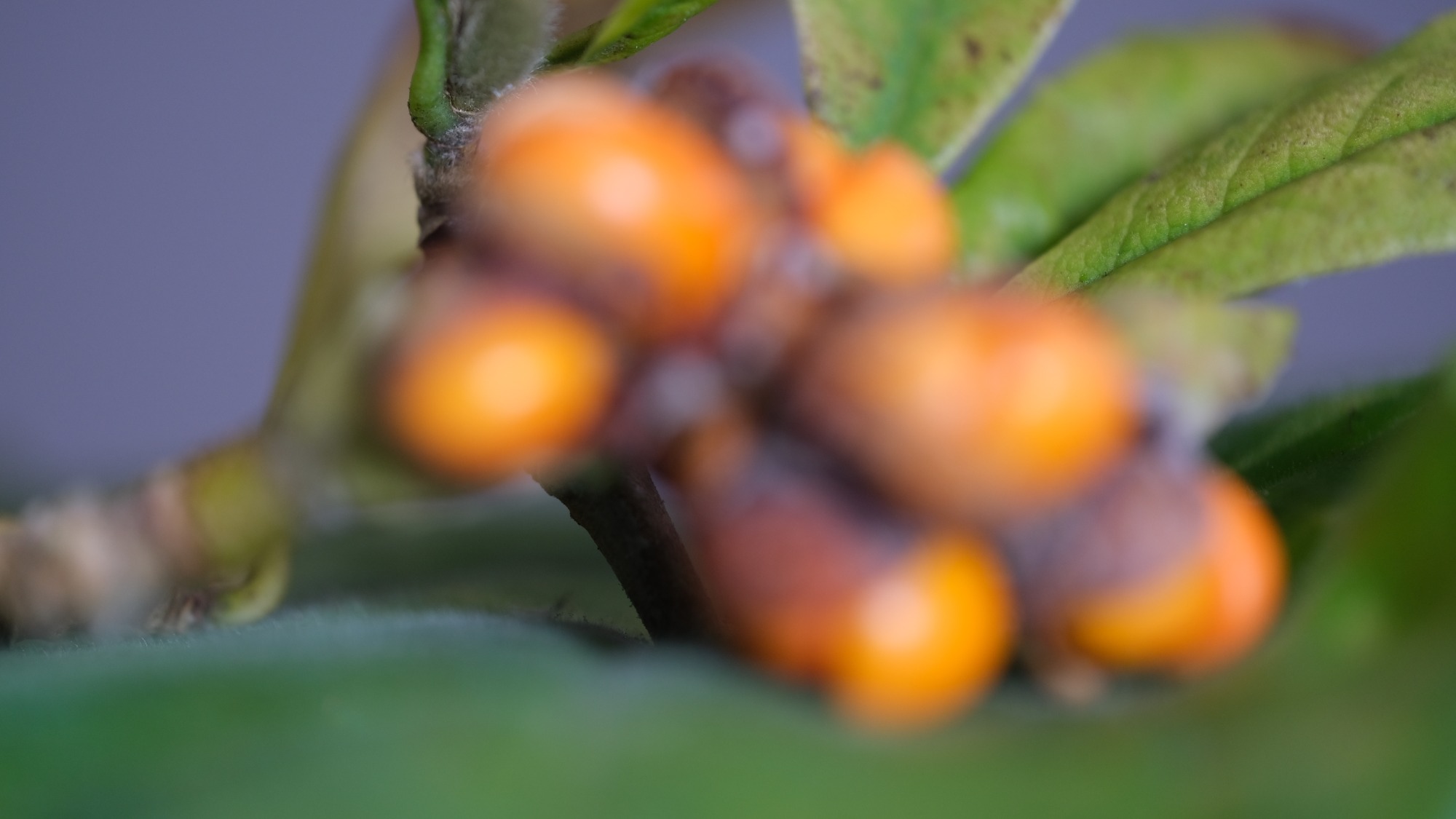
120 stack sample
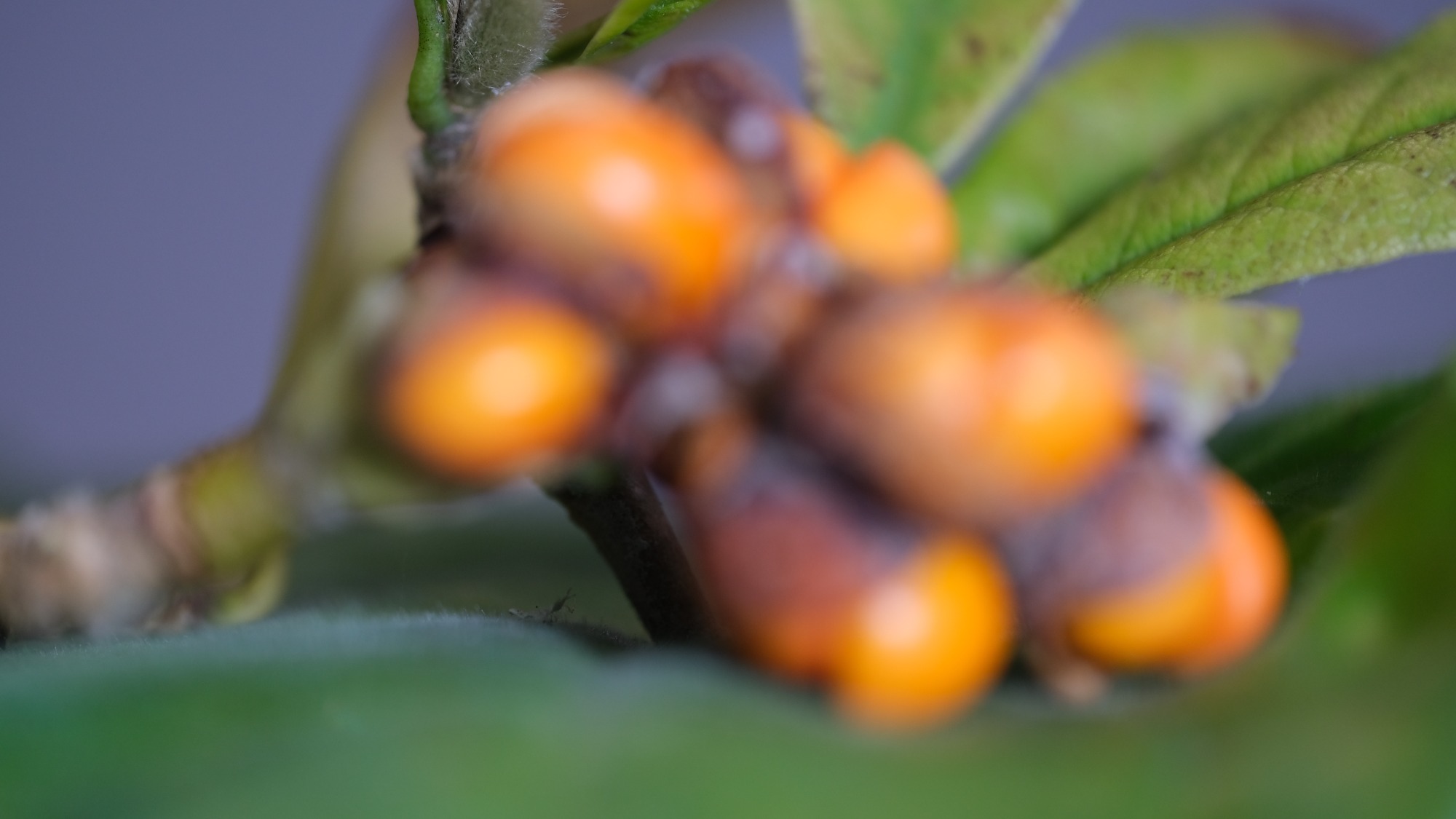
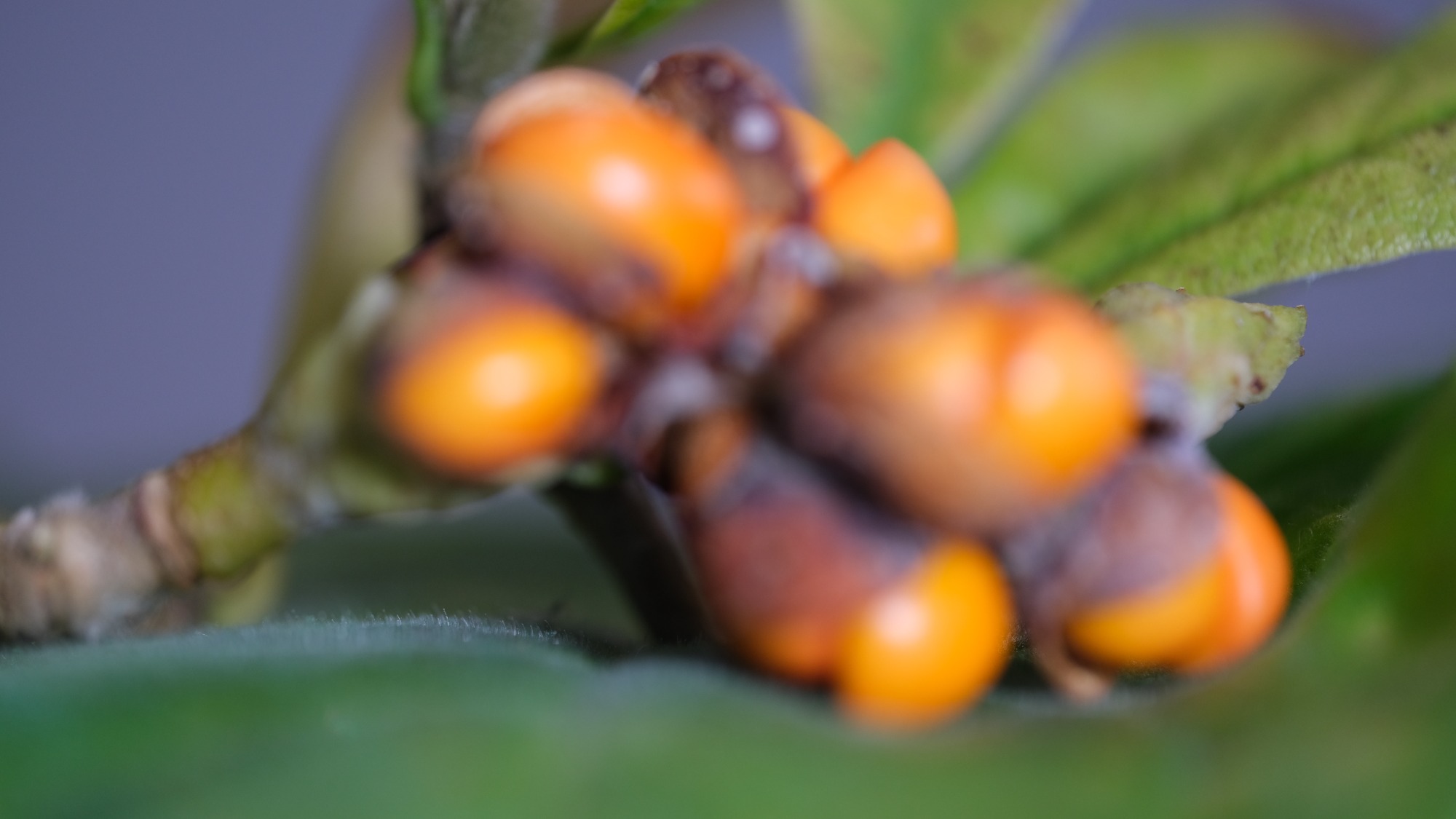
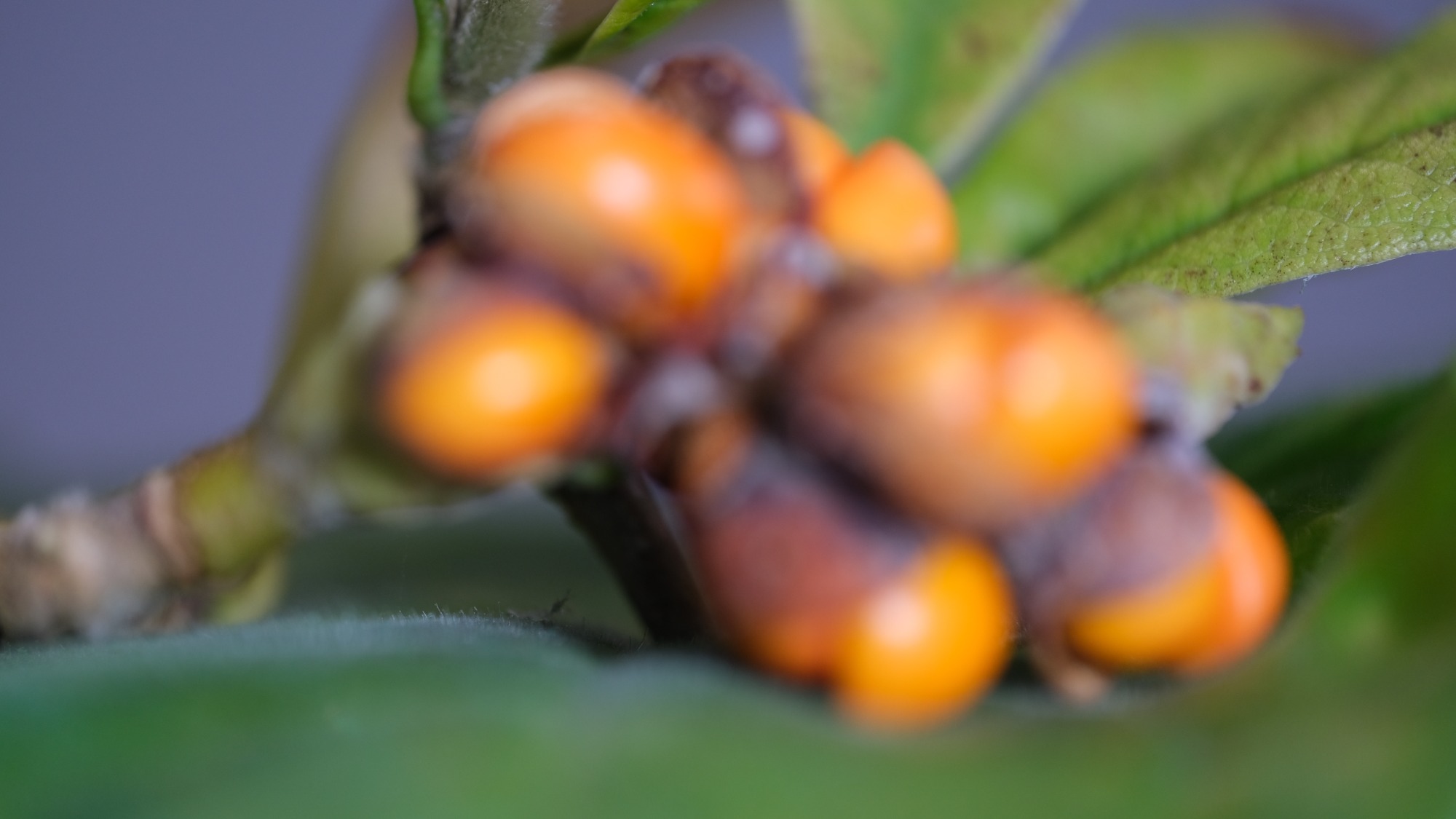
The Fuji X-T30 Camera was set to Focus Bracketing of 120 at increments of 10. This is a sample of 12 shots taken from the 120. As the camera takes each shot ,the focus is automatically adjusted. All of the photo's were then combined using Helicon Focus to produce a clear Image.








Focus Stacking using Helicon Focus
120 Stacked results
It's also possible to create a 3d Video and an Object file using the App